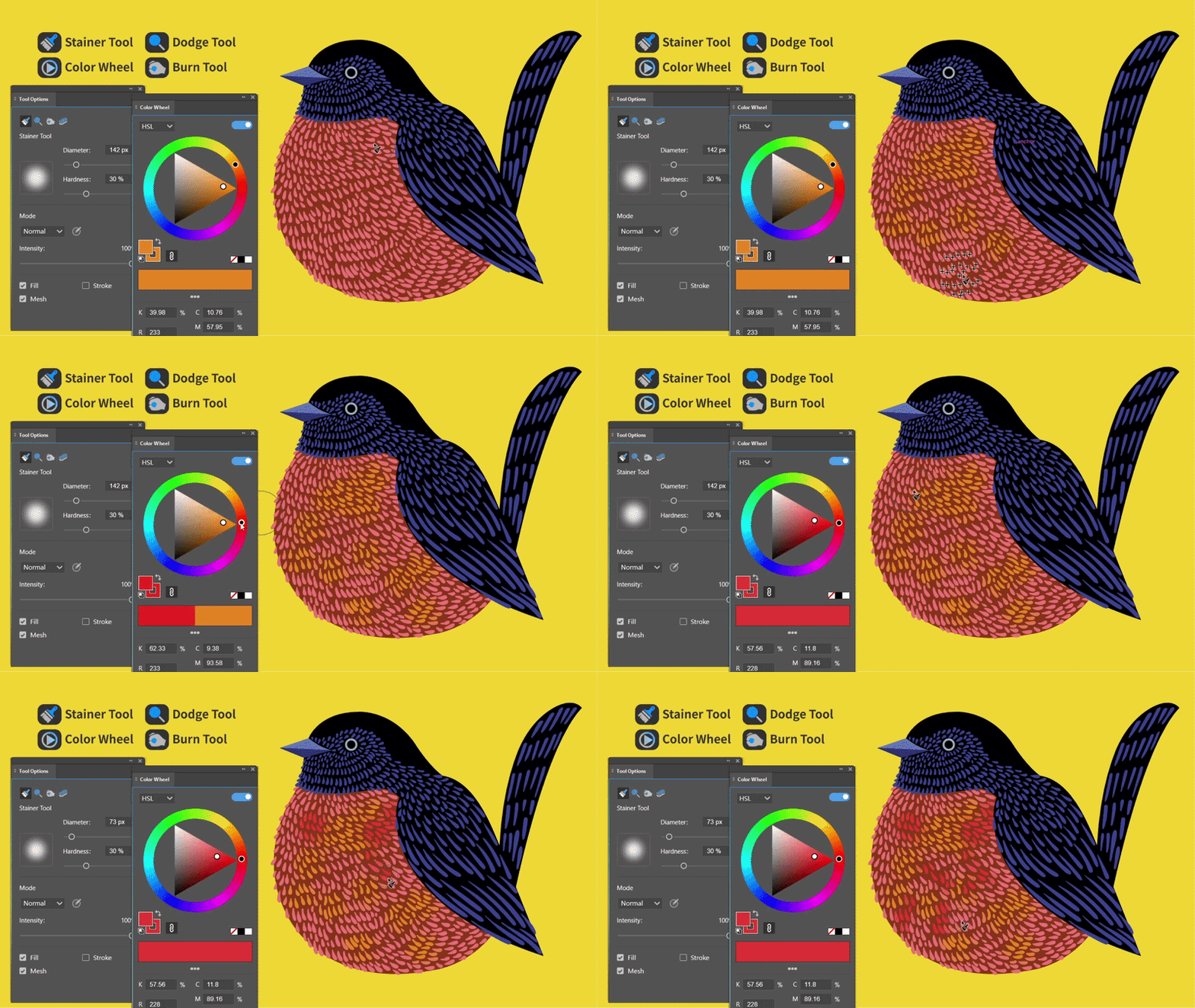
I’ve always liked the idea behind Illustrator’s built-in Symbol Stainer Tool — using a brush to apply color directly to artwork.
But there’s one limitation: not every illustration element is suitable for becoming a symbol.
Think about the intricate patterns on animal feathers, fur, or tree leaves. These elements often have unique shapes, irregular arrangements, and high density. Converting them into symbols just to use a staining brush isn’t always a practical workflow.
That’s why I developed the Stainer Tool in IllustKit.
Instead of working with symbols, it lets you paint directly over vector paths, making it much easier to add color to complex illustrations with lots of individual details.
Combined with the Color Wheel Panel, you can pick and adjust colors intuitively while painting, creating a much more fluid coloring workflow.
The result is a way to bring the convenience of brush-based coloring to virtually any vector path — without having to turn your artwork into symbols first.
Workflow: Stainer Tool + Color Wheel Panel
Software: IllustKit for Adobe Illustrator
I’ve included a video demonstration to show the workflow in action. I’d love to hear what you think!