Downloaded the software - after their annoucment that it was now free - which it is.
Seems like can use it all.
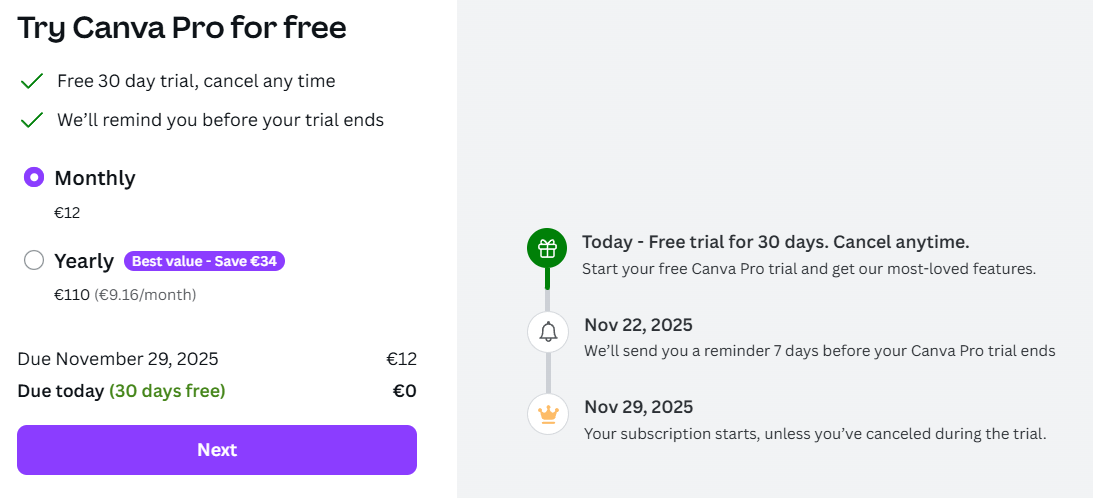
Things like AI Canva - and maybe some other tools prompt you to Canva Pro.
Downloaded the software - after their annoucment that it was now free - which it is.
Seems like can use it all.
Things like AI Canva - and maybe some other tools prompt you to Canva Pro.
Affinity has finally released its new software after a month of confusion and speculation. It’s too soon for me to have well-thought-out opinions, but for now, here’s what I’ve found.
Here’s their promo video.
As expected, it appears to be a high-end, front-end for Canva, although they’re saying it can be used independently as a stand-alone graphic design app.
Here’s what’s unexpected.
It’s free. There is no charge at all, which raises my suspicions and seems to support my suspicion that Canva is viewing it as software to support its own growth.
They’ve combined all their suite apps (Designer, Publisher, and Photo) into one single mega-application.
Got in just after me - merge please
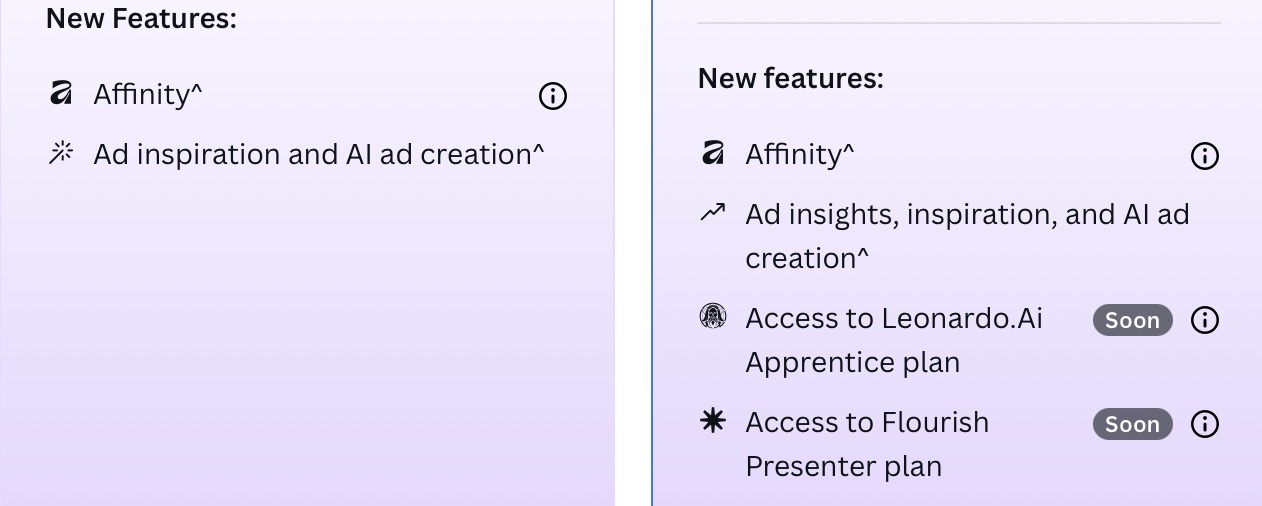
It’s mostly free - but some tools like AI requires Canva Pro and that’s subscription model.
Not sure what else is.
Done. We must have both received Affinity’s announcement email at about the same time.
As I mentioned, it’s too soon for me to have solid opinions, but I’m skeptical. Canva isn’t giving something away for free out of altruism. They’re using it as a loss leader to drive more business to Canva, which isn’t a good sign.
Then again, the industry is changing rapidly.
Cool thanks.
Yeh I didn’t get the email, so it on the anti-social media - went for it.
Seems to be free - but it’s quite slugish on my old laptop that Adobe works fine on.
I’ll try on my Mac tomorrow maybe.
Good that it’s free - for now - who knows what direction it’s heading in.
The AI stuff everyone is charging for - probably fair enough.
I’m not mad about AFfinity, I don’t really have any use for it. But good to tinker about and learn it if it’s needed sometime.
All in all - another tool for the toolbag.
I had to change browsers to login when 1st opening the new Affinity app, Edge would not open a new tab. Re-installed Chrome and easy-peazy…
Affinity is loosely on my radar. I thought they had three separate apps that paralleled ID, AI, and PS. Looking at the website, it appears that it’s one app. Is that correct? Has it always been one app?
Nope all 3 were separate until now…
I tried it for a few minutes, and it can be confusing at first since we are used to having three apps for what it does. For now, I will stick with the traditional personas (tool sets) before combining my own.
I have already worked extensively with the quick-shifting feature of the three apps (Studio Link), editing the same file, but now it will become even easier.
As for the business model, I am very skeptical since the development is fully subsidized by service subscriptions
…
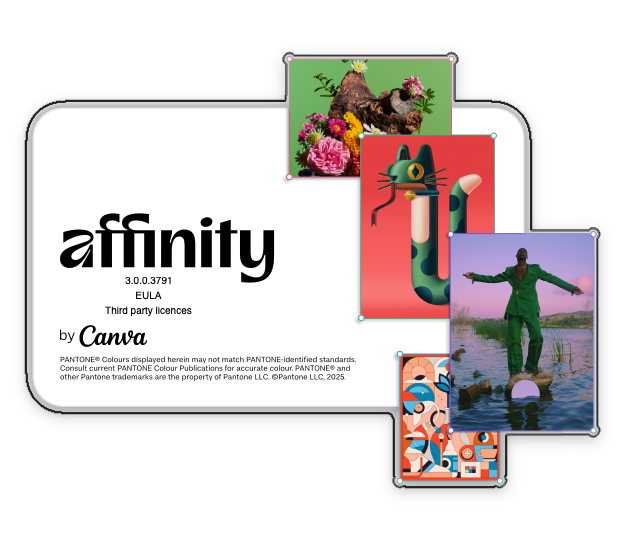
and I hate the splash screen 
Yeah, that’s pretty bad.
Not much need for subscribing to Canva’s plans yet
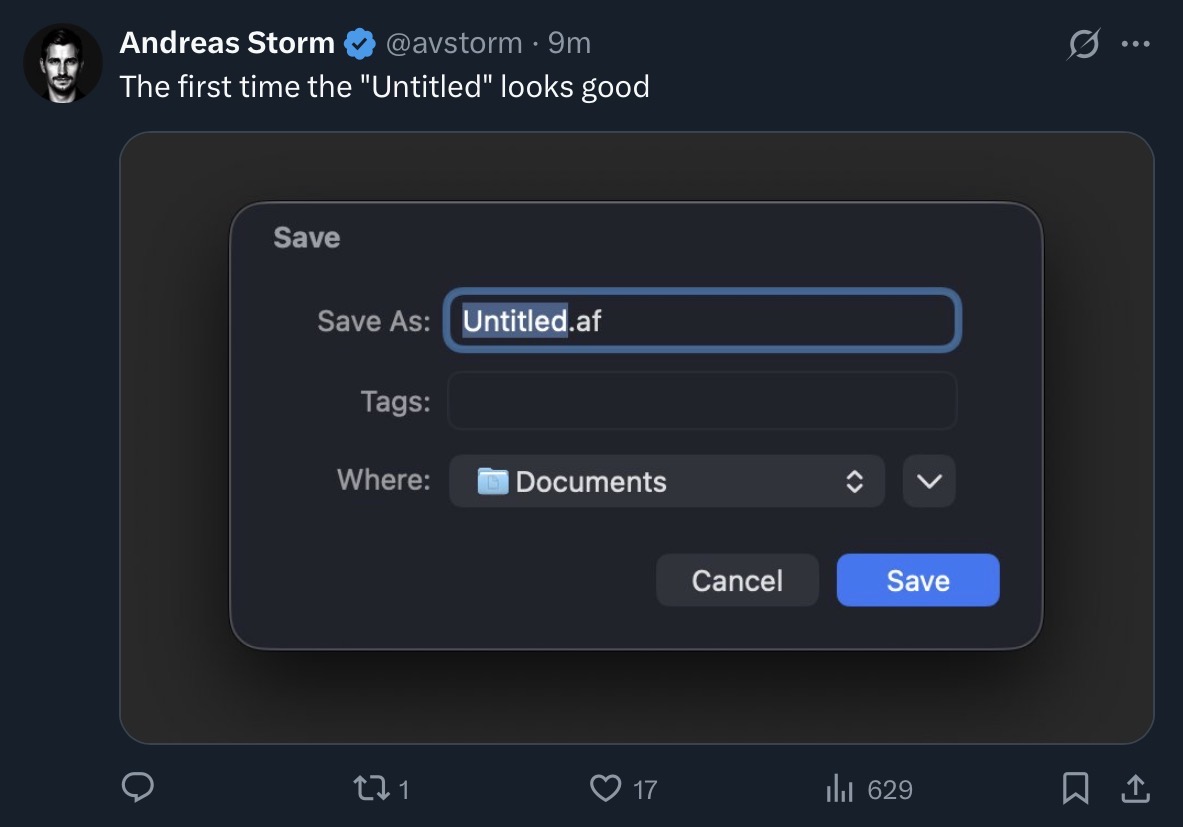
and there is a new non backwards compatible file format …
feature wise yes
what has used 3 times 2.88 GB (Mac) uses now 3.5 GB of disk space
There’s already people on the Adobe forums asking for scripts to convert everything to IDML via a script as they are moving to Affinity.
Can’t see that working out well.
When we moved from Quark it was literally case by case basis. Some stuff was left in Quark for as long as possible, or a long term project to move to InDesign.
Some short stuff or new stuff was ok to transition over.
But mass conversion of every file to open in a different software and work on it.
I remember we ran Quark and InDesign alongside each other for about 2 years - and even that Quark remained active for the odd jobs that came in.
What will these people do when they are handed InDesign files? Ask for the IDML? Surely that’s not gonna fly with a company that only has an InDesign file and expect that back.
Maybe best to move from yearly to monthly subscription and only reactivate for the months you need to convert a file or something.
I wonder why they’re asking this now. Affinity Publisher has been around for quite some time.
As there are no additional costs, one can continue using Adobe until the majority of projects are on Affinity.
For a long time, I kept recurring projects on InDesign and created new projects in Publisher. I only converted or built an existing project from scratch when there were major changes.
The main reason for importing IDML files was third-party projects.
i dont understand it you are saying affinity is for free but ending up sharing a canva screen?
Canva purchased Affinity, probably for the IP that was their suite of design tools. I watched the post from the CEO – he was quick to reiterate that the only difference between the free and the subscription model were the AI functions, which are probably going to be rolling out relatively soon. He said it’s free, but like all of you guys, I watch with some skepticism – Affinity by itself wasn’t free, and some said it was worth it. I downloaded the apps on my iPad and my Mac, and only opened them to poke around. It’s different, and I’m wondering if it will still make wonky PDFs that service bureaus are a little dodgy about accepting.
Nice to see some competition for the Big A, though. We’ll see how it unfolds. It does some weird things, like where it wants to embed (I think) image files in the document. That spells trouble in my experience, unless you’re working with a small document and not, say, a catalog or magazine. I think it’s a setting you can turn off, but there’s a lot embedded in the app’s structure that’s unfamiliar to me. First big threat to Adobe in awhile. I wonder if they’ll finally buy Quark.  Can’t hit them with the Sherman Act now.
EDIT: I see on the other threads that this has all been discussed so feel free to disregard my ramblings. I didn’t realize they had print services as well. Sort of seems like they’re trying to grab handfuls of sand in hopes of holding the whole beach in their hands.
Never had any trouble there 
I preflight every Affinity PDF with Acrobat. They turn out better than InDesign (CS6) PDFs.
One can choose the preferred default behavior or decide individually, embed or link.
In addition if your document gets very big it suggests to outsource and link images.
I was just going by what I’ve heard from service bureaus. YMMV, as with everything it depends on the skill level of those creating thew files and those processing them. That’s good about embedding vs. linking. Like I was saying, haven’t used the software much, particularly in a production workflow, so this is good to know!
Regarding embedding i always ended in indesign for a client. Some indesign files are 1gb.
Never have any issues.
Yet i see common advice to never embed files. Maybe it was true twenty years ago. But seem the problem is long gone. A myth or rumour that has spread over the years.
Seems fine to do it and i never have issues.
I think it depends on the final destination of your file. some service bureaus want them embedded or are ok with it, some of them want it packaged and delivered with the links. But I’ve not had to do either in a long time, thanks to improving PDF technology. didn’t mean to highjack the thread with this. it was just some rumblings that I’ve heard, Since I don’t usually provide my clients with native InDesign files, it’s not usually an issue; I’d do so if they ever ask, and they know that. but they’re happy with the PDFs so that’s the workflow I use. again, YMMV, depending on your setup.