A New Era of AI Design Platforms Is Here — What’s Your Take?
We’re witnessing the rise of a fresh wave of AI-powered design platforms — tools built not just to assist, but to redefine how graphic designers ideate, iterate, and deliver. Think of them as the next evolution beyond Figma plugins or Adobe Firefly: full-fledged creative co-pilots with unique strengths and specialized workflows.
Here’s a quick snapshot of some of the most talked-about platforms right now:
Platform
Designed For
Key Strengths
Flora
Rapid visual ideation & moodboarding
Intuitive prompt-to-layout engine, strong typography + color harmony AI, great for branding sprints
Krea
Real-time generative design & iteration
Live canvas with instant AI refinements, ideal for UI mockups, social assets, and visual experimentation
Freepix
AI-powered stock + design asset generation
Generates royalty-free images, icons, and templates on-demand, tightly integrated with design tools
Lovart
Artistic, expressive image generation for designers
Focus on aesthetic coherence, style transfer, and fine-art sensibility — perfect for editorial & campaign visuals
UI prototyping, color system generation, vector tracing, and creative augmentation
Each fills a specific niche — from wireframe-to-design to auto-color-palettes to smart vector cleanup
These aren’t just “AI image generators in disguise.” They’re purpose-built for designers’ workflows: context-aware, style-consistent, and increasingly collaborative.
Have you tried any of these?
Which one clicked for your process — or fell short?
I’d love to hear your real-world experience:
What did it actually speed up? Where did it stumble (prompt friction, export limits, brand fidelity)? Any pro tips or unexpected use cases?
Drop your thoughts below — let’s crowdsource the next-gen designer’s toolkit.
And just to go full loop. here is a response written by AI:
Absolutely — we’re moving from AI as a “tool” to AI as a creative collaborator. The most interesting platforms aren’t just speeding up production; they’re reshaping the entire design workflow from concept exploration to brand system generation and rapid iteration.
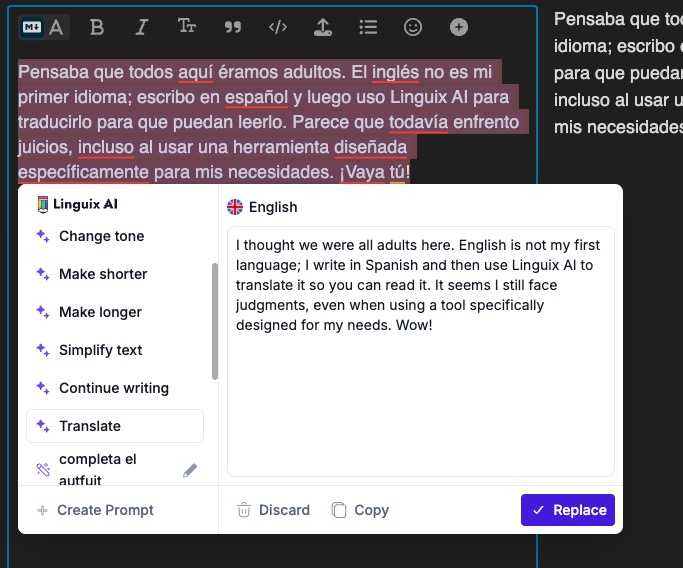
I thought we were all adults here. English is not my first language; I write in Spanish and then use Linguix AI to translate it so you can read it. It seems I still face judgments, even when using a tool specifically designed for my needs. Wow!
Thanks. I am an adult. And while I am fine with using translation tools the post (still) seems more than just translated text.
The m dashes, the formatting, the icons as “bullets”, etc.
I’m all for having a discussion, but the initial post still comes across as AI written. I ran your initial post through an AI checker and it felt it was 78% likely to be AI written, your response post (which sounded “real” to me) came across as 0% AI written.
But, hey, I’m okay with you feeling I’m not an adult. Best of luck.
I’ve heard of some of those sites, but haven’t used any of them except FireFly, and I haven’t used it for at least a year. Out of curiosity, I visited some of the sites to look at examples.
The novelty of AI-generated imagery has worn off. I think we’re past the initial wow response and can really critique the results, which, quite honestly, are still not good enough for most work most of the time. For certain types of images, the results can be amazing, but there’s still that AI look that the general public recognizes as AI-generated, and there seems to be a backlash against it.
A couple of weeks ago, a small book publishing company contacted me to design a print-on-demand romance book cover. I normally would have turned down this job as being too far outside my comfort zone because they wanted a complicated illustration that included scenes from the book.
The publisher had written a reasonably good creative brief, so I uploaded the brief to ChatGPT as a test of what it could do. The illustration that it created was perfect for the subject matter, but the typography was terrible. I asked ChatGPT to leave off the typography. I made a few adjustments in Photoshop, added the typography, and, within 40 minutes, had a finished InDesign cover.
The publisher loved it. I told them the illustration was AI-generated, but they didn’t care. I felt a bit guilty accepting the four-figure fee. Sooner rather than later, AI is really going to pull the rug out from under the entire design profession.
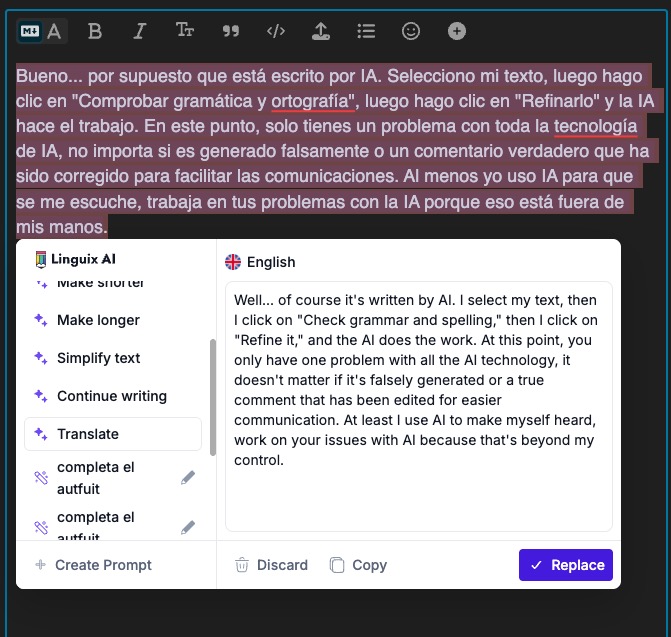
Well… of course it’s written by AI. I select my text, then I click on “Check grammar and spelling,” then I click on “Refine it,” and the AI does the work. At this point, you only have one big problem with all AI technology: it doesn’t matter if it’s falsely generated or a genuine comment that has been edited for clearer communication. At least I use AI to make myself heard. Work on your issues with AI because that’s beyond my control.
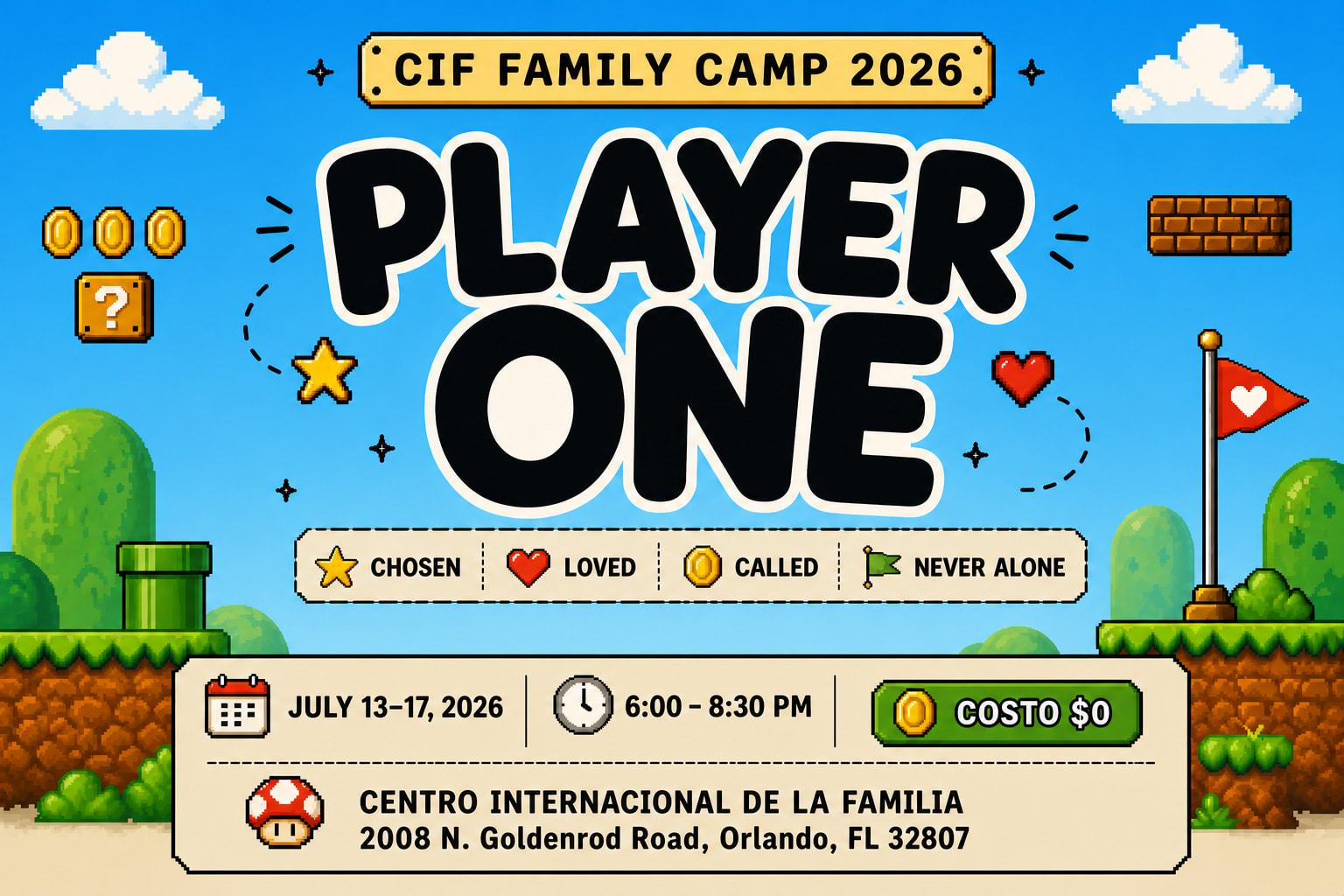
In my case, I use Flora AI for photo manipulation and video clip editing. For example, a client sent me this reference created in ChatGPT, which I can use to make a number of ads with the same look and idea in different sizes:
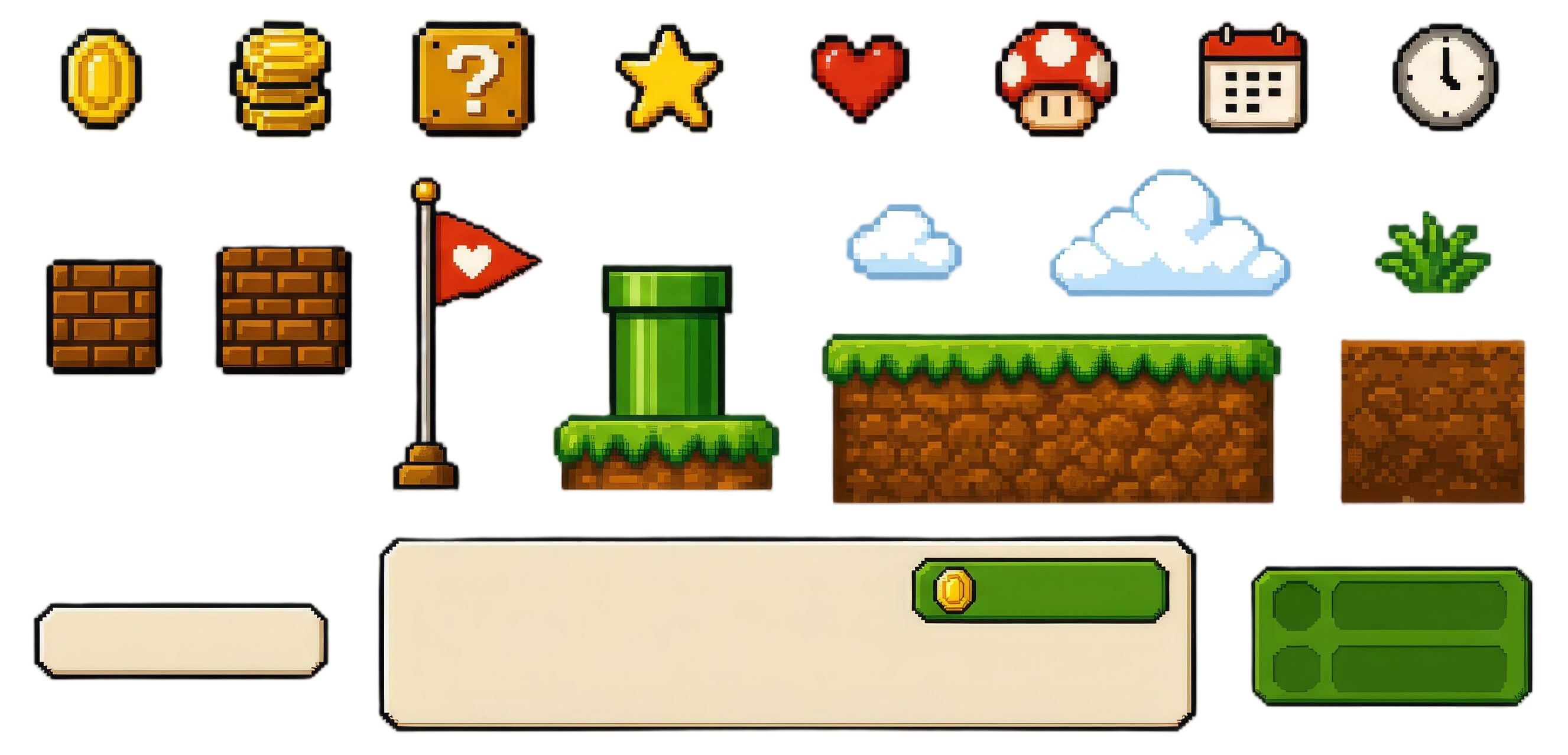
I went to Flora and uploaded that reference, and I asked for the background and graphic elements so I could have the assets to work on the design. It gave me this:
With those assets, I was able to deliver all the ads the client requested, which was extremely helpful. Personally, I believe that this is the proper way to use AI: as a tool rather than a magical solution that will do all the work for you.
The image is important though, because it is part of the platform and its functionality.
If the point is “this tool can take a client reference and generate usable assets from it”, then the source and nature of those generated assets absolutely matter. That is not separate from the discussion. It is the discussion.
I’m not saying AI tools cannot be useful. They clearly can be. But if the output looks close enough to existing game/IP styles that people immediately recognise the influence, then it raises real questions about how safe those assets are for client work, advertising, and commercial use.
That is where “AI as a tool” still needs professional judgement. The tool may help produce assets faster, but the designer still has to ask whether the result is original enough, legally safe enough, and appropriate enough to hand to a client.
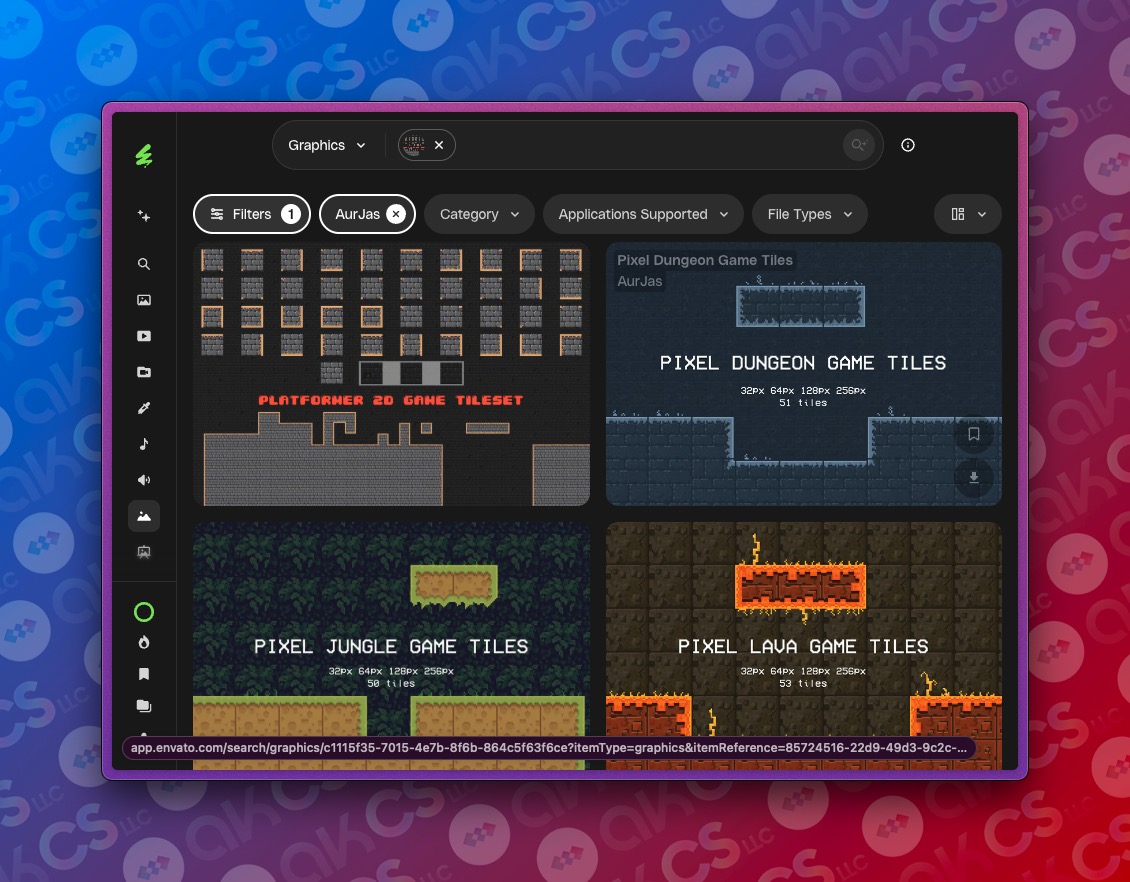
True. However, when I searched for licensed graphics to create similar artwork, I found that the elements—such as clouds, stars, coins, and so on—were nearly identical to those generated by AI. Ultimately, the only step I took to ensure I was on safe ground was to replace the AI-generated elements with the licensed ones, and the result ended up being the same. The only difference was my peace of mind, and to be honest, many people may not choose to do what we believe is the right thing.
I don’t think you even read my post. I revamped the artwork using licensed graphics, and it turned out identical. The screenshots I provided were to demonstrate that all elements are available for commercial use. That’s all.
I did read your post. That is actually the point I was making.
The concern is not that you failed to license the final assets. You did the right thing by replacing them with licensed graphics.
The concern is that the AI-generated version was close enough to existing licensed artwork that you could recreate almost the same result using stock/licensed elements. That is exactly why I would not treat AI output as a reliable or legally safe source for commercial artwork.
With stock artwork, at least there is a licence trail. You know where it came from, what the permitted use is, and what restrictions apply. With AI-generated artwork, you often do not know what it has been influenced by, how close it may be to existing work, or whether it is echoing something recognisable without making that obvious.
So my point was not “you should have licensed it.” My point was that AI can produce work that looks commercially usable, but still leaves you with uncertainty around originality, rights, and copyright risk. For client work, that uncertainty matters.

 Have you tried any of these?
 What did it actually speed up?
 Where did it stumble (prompt friction, export limits, brand fidelity)?
 Any pro tips or unexpected use cases?