I bought a new MacBook Pro with an M5 chip today. This isn’t good.
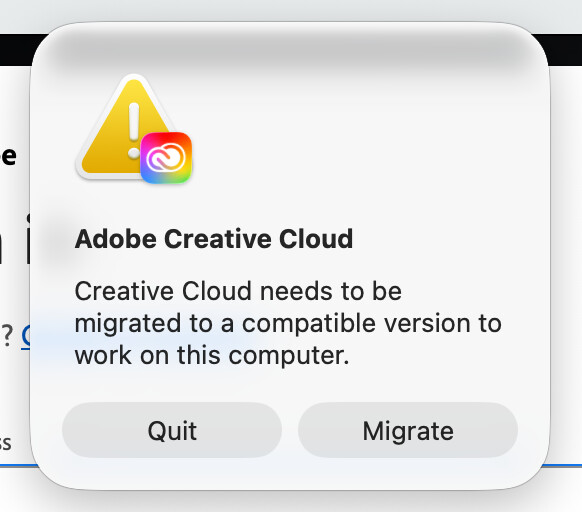
Huge congrats on the new M5! It’s a decent computer and chip.
Don’t let that pop-up kill your new-computer buzz. It’s a super common ‘welcome to the family’ hiccup when you move files over from an older Mac. Basically, your new chip is just saying, ‘Hey, I’m too fast for this old software version give me the good stuff!’
Hit that ‘Migrate’ button, it’s totally fine. Usually, Adobe realises what’s up and handles the swap for you. If it’s still acting weird, delete the Creative Cloud app and grab a fresh download from Adobe. That’ll make sure everything is optimised for Apple Silicon.
Also, if it asks you to install ‘Rosetta,’ just click yes. It’s just a little bridge Apple uses to help older tools play nice with the new chips.
Should be fine.
It did let me open using Rosetta. Are you saying that the current CC apps should work with the M5 chip?
It should be working
If it’s not working then the the Creative Cloud Cleaner Tool should remove everything then do a fresh install.
1 Like
OK, I get it now; I needed to click the migrate button. I’m tired and slow, I guess. It’s 2:30 am here, and I wanted to finish it tonight. Thanks for the help. Much appreciated. It’s time for bed now that little problem is solved.
1 Like

No worries - have a good one - get some sleep and get up and enjoy!
1 Like