Hello everyone, new to the forum here, i’ve been searching online all over the place but i don’t exactly know how to search for this kind of thing for how dumb it probably is to do.
I was making a motion graphic in after effects but wanted to lay down all the groundwork for what i was making in illustrator but i just can’t remember or figure out how this kind of thing is done.
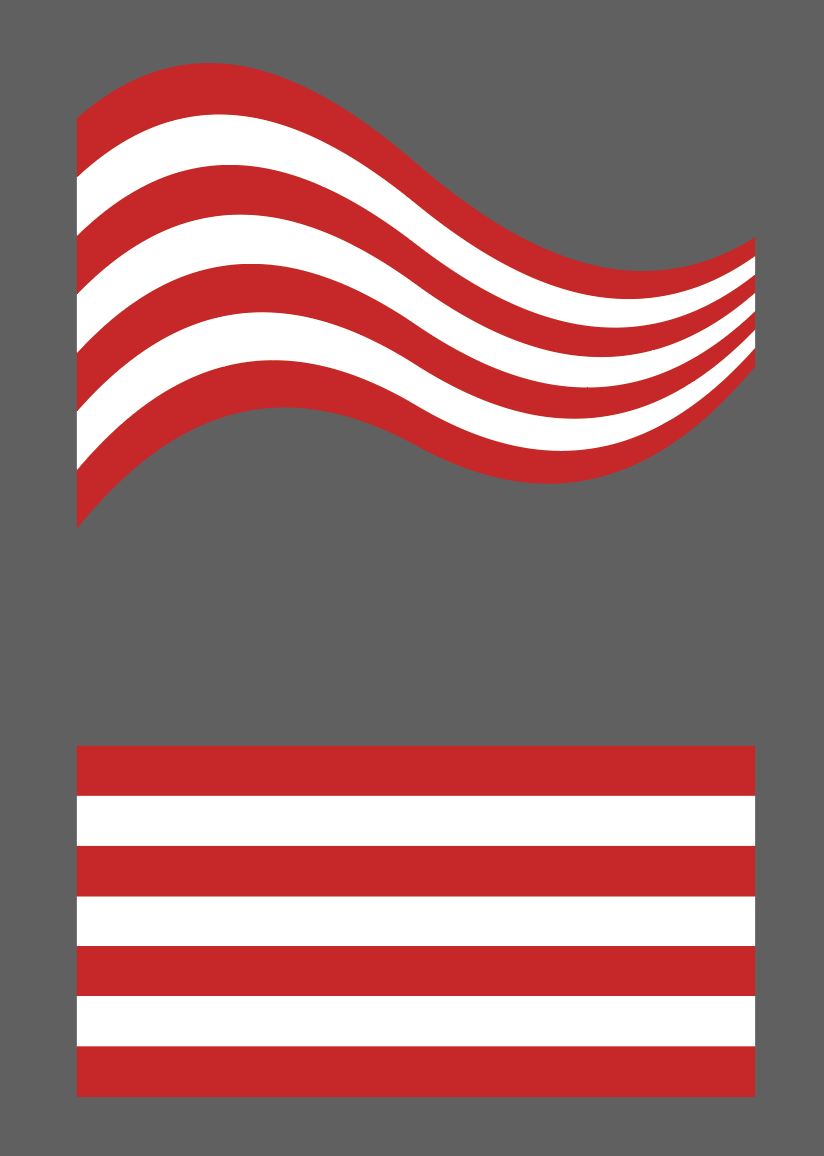
What i want to do is basically grab a 5 shapes like these rectangles and deform them to be wavey to do a trial like effect that i can make wider or smaller in one end or the other, i know doing this with 1 singular stroke is actually quite easy both in illustrator or After Effects.
Here is an example i got from a logo file. I can’t seem to recreate it.
So yea i was wondering if this could be done in illustrator or After effects in a procedural way of just using one line that has all 5 of them inside of it and reacts to the wideness of the thing.
I’m still not 100% sure what you are asking. I mean, I understand that you are trying to replicate, but I’m not sure how After Effects comes into it.
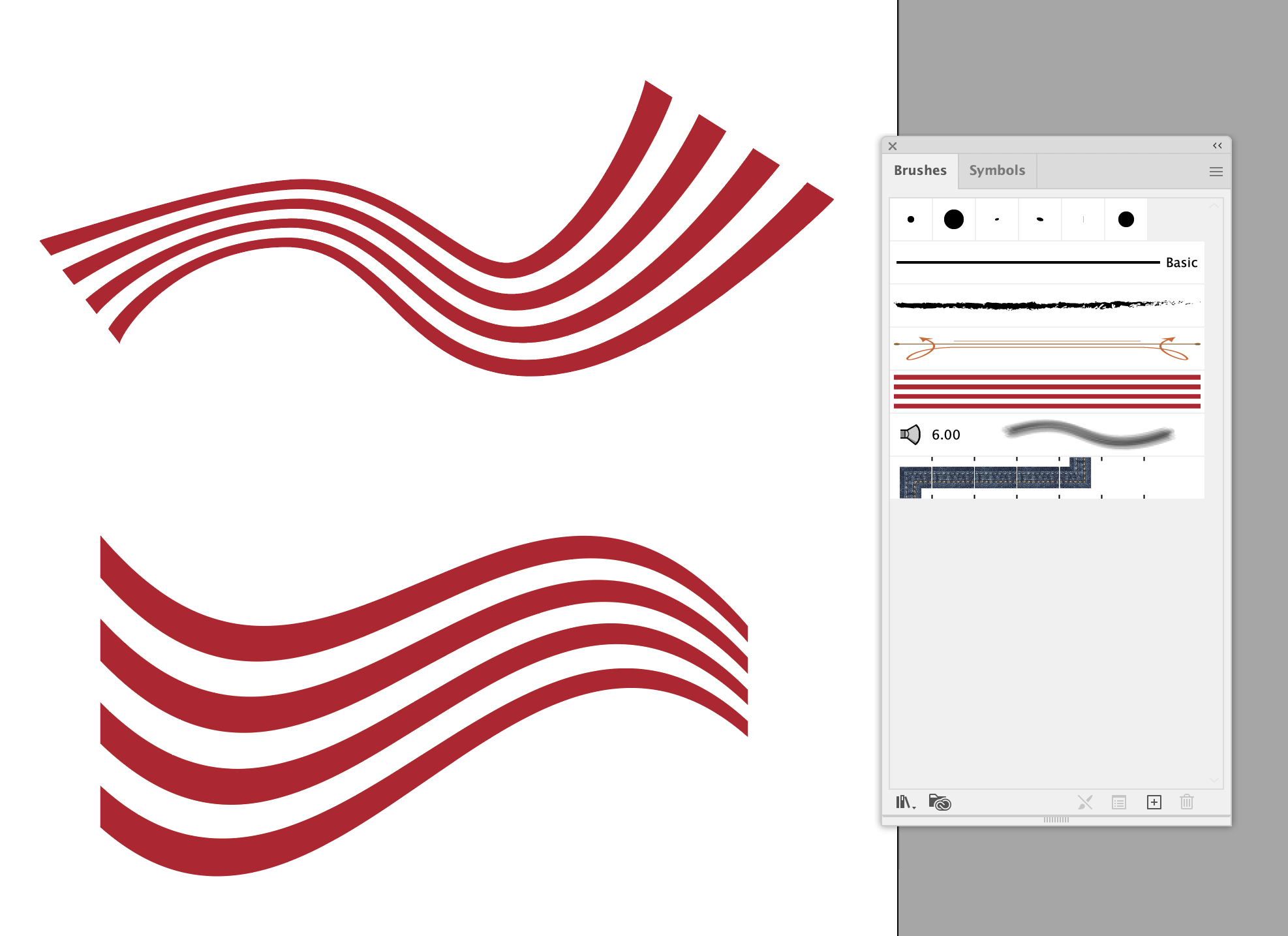
Below are some quick examples in Illustrator. This shows a few options.
The top option is creating your lines and making them into an art brush and then using the line width tool (Shift-W) to modify the width of the lines along the path.
The bottom option shows using a simple envelope distort (object/envelope distort … make with warp) and using the pre-defined flag style, however you can also draw your own shape and do the warp using the “make with top object” choice.
You probably need to translate that. The Illustrator part, as @Craig described, is pretty straightforward, but I’m stumped over what “the wideness of the thing” means or what you want to do with it in After Effects.
Hey, this is what i was thinking of, i kinda forgot this was a thing since i’ve lost practice doing formulaic Community Manager work stuff for the last year or so.
What i ment in the after effects part is that I pretty much did the sketch/animatic of the animation I wanted to make in clip studio and wanted to replicate it for real with the actual assets and shapes in after effects but I really couldn’t figure out how to make these trails beforehand to then import to after effects.
To answer the other response, what i ment is that a line in after effects has properties that allows you to change how wide the line is at the end or the begining of the line, meaning that if i only neede one line for the trail, i would have used that method instead, but because i need more than one line to do this whole thing of changing how wide the trail is, it wouldn’t work too well.
 for the last year or so.