Hi,
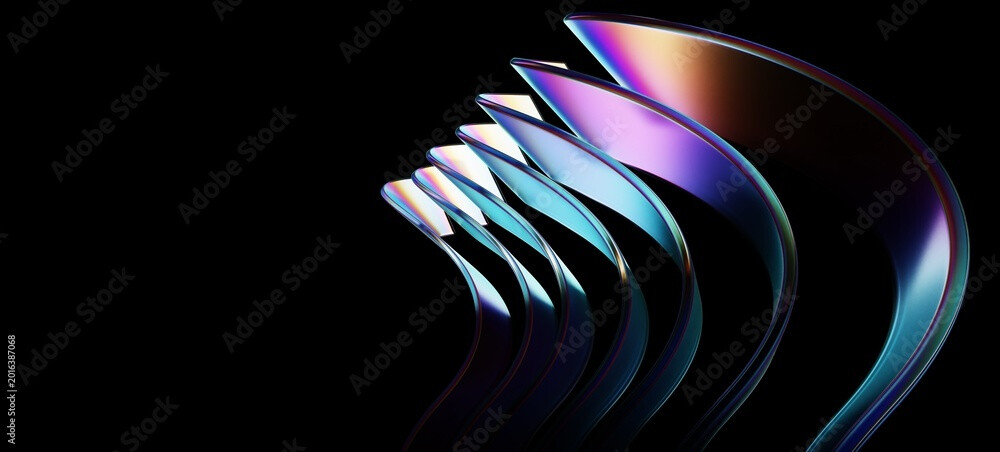
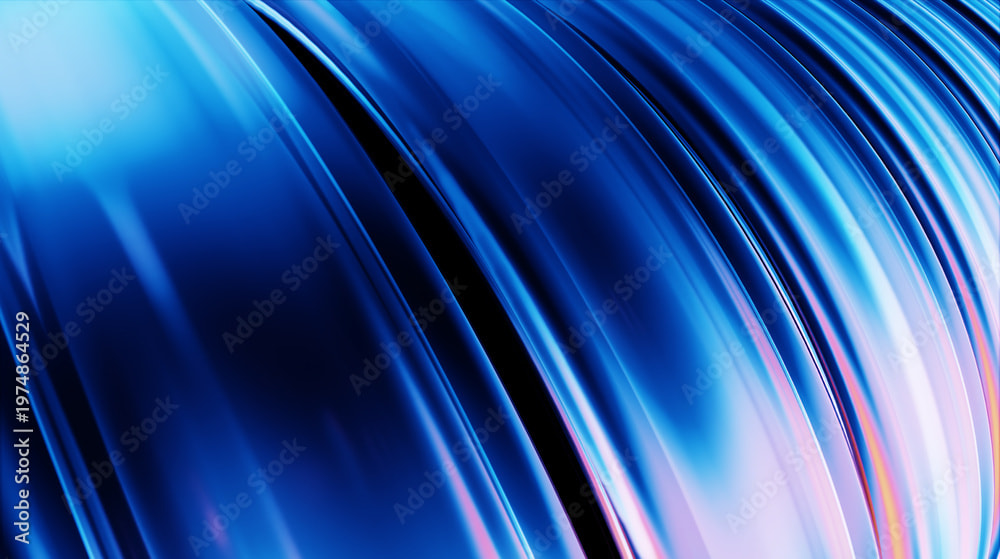
I want to learn to create this effect on photoshop.
Anyone can guide me how can i create this types of design in photoshop?
[these are not generated using AI]
thank in Advance
Hi,
I want to learn to create this effect on photoshop.
Anyone can guide me how can i create this types of design in photoshop?
[these are not generated using AI]
thank in Advance
looks like 3d-rendering to me, not photoshop.
Search for “Iridescent” or “3D Chrome” but a 3d render would have more depth. But it’s doable in photoshop.

or similar
Thank You brother
not same but similar this
could be
But I can not use 3D software
so i was trying to create using Photoshop
I’ve seen very similar effects done in filter forge. Are you asking about the design (line work) or the styling (coloring) here?
I would take a single image of the shape that repeats and use one of Filter Forge’s “Echo” effects and play with gradients until I got the look I wanted.
3D effects ? You may need to use After effects or even may be Blender, but you will need to practice doing something like that !, you may go to youtube and find a tutorial like that.
I believe the op asked to learn how to do it in photoshop.
Actually I Wanted the style and the design process
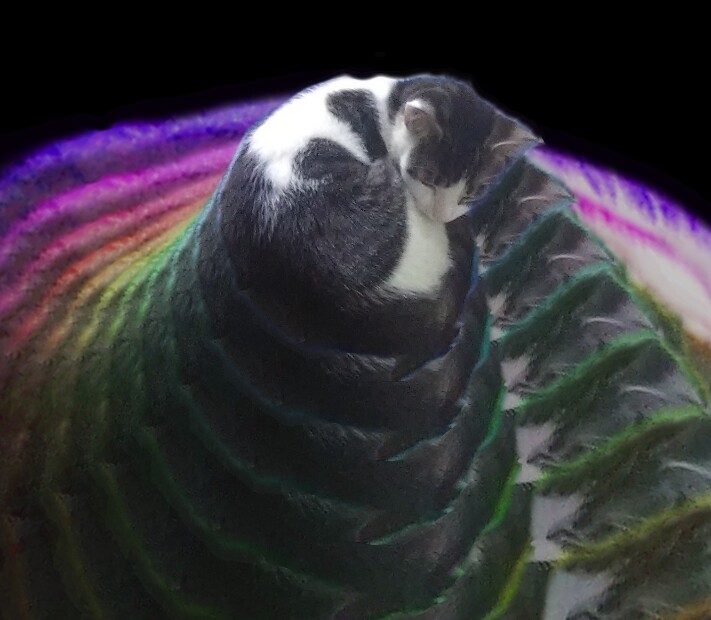
Not an effort at recreating what is shown but just an example of why I thought of Filter Forge and it’s echo filters. My kitten, Mister Nipples, finds it very relaxing. He hopes it helps. Meowza.
I would find the shape that you want to color in using the chrome effect, and arrange it in the places you like. Then I would add a blank layer and, on that, color over the shape using the brush and smudge tools (best if you use a lower opacity or hardness) until it has the texture you like. Use a clipping mask or layer mask to apply it to the shape below. While the clipping/layer mask is applied, use the smudge tool to adjust until it looks exactly how you want it.