Hi everyone,
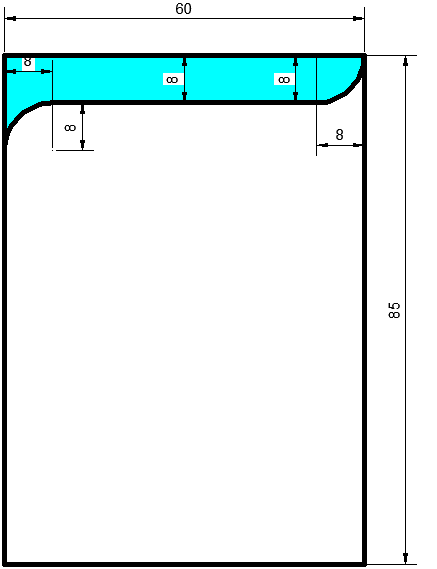
Can someone tell me please step by step how do I do like attached image in Adobe Illustrator 2020 PC version?
Note that the size of the artboard is 60 mm x 85 mm
Thank you
Hi everyone,
Can someone tell me please step by step how do I do like attached image in Adobe Illustrator 2020 PC version?
Note that the size of the artboard is 60 mm x 85 mm
Thank you
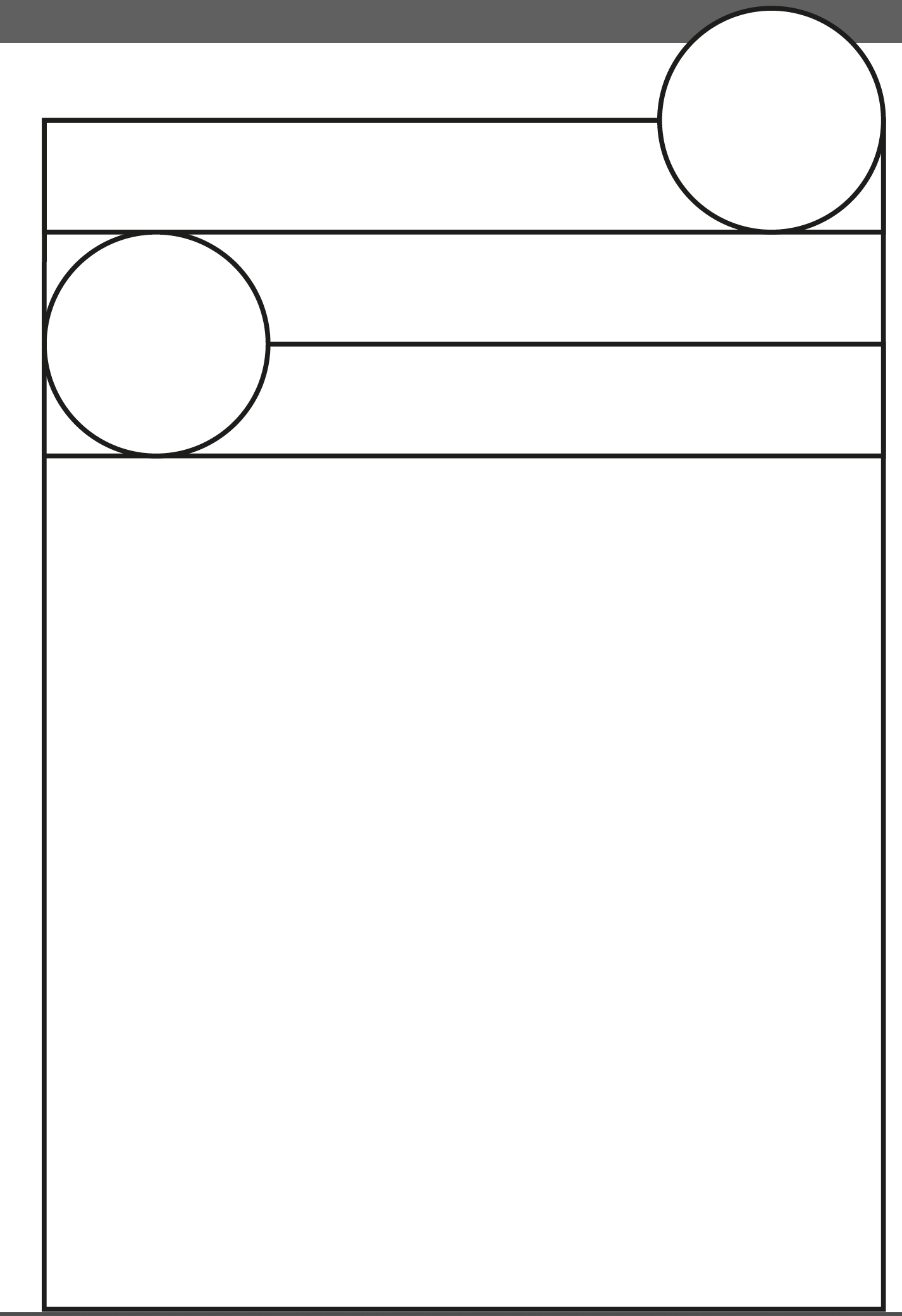
Start with the bones
the circles are 8 in radius, so diameter is 16.
Your top box is 8 mm (so 2nd line from top)
Circle 8mm radius (16mm diameter) (3rd line)
4th line will be removed.
Use the pathfinder tool - and the substract the shapes (it’s easier with the shape builder tool not sure if Illy 2020 has that so pathfinder tool will do it.
Once you get it all setup - then you just need to remove the parts you don’t want and end up with the shape you want.
Please tell me the step detail like which line to be cut/trimmed first, if any, which object is to be send forward/back. Please tell me the detail instruction and procedure. I am confused here.
Good question, because the order is the confusing part. Here is how I would do it with the Shape Builder tool, which avoids most of the forward/backward juggling:
If a piece disappears when you Alt-click, undo once and check that the circle is really centred on the band’s bottom edge. That alignment is usually what goes wrong, rather than the stacking order.
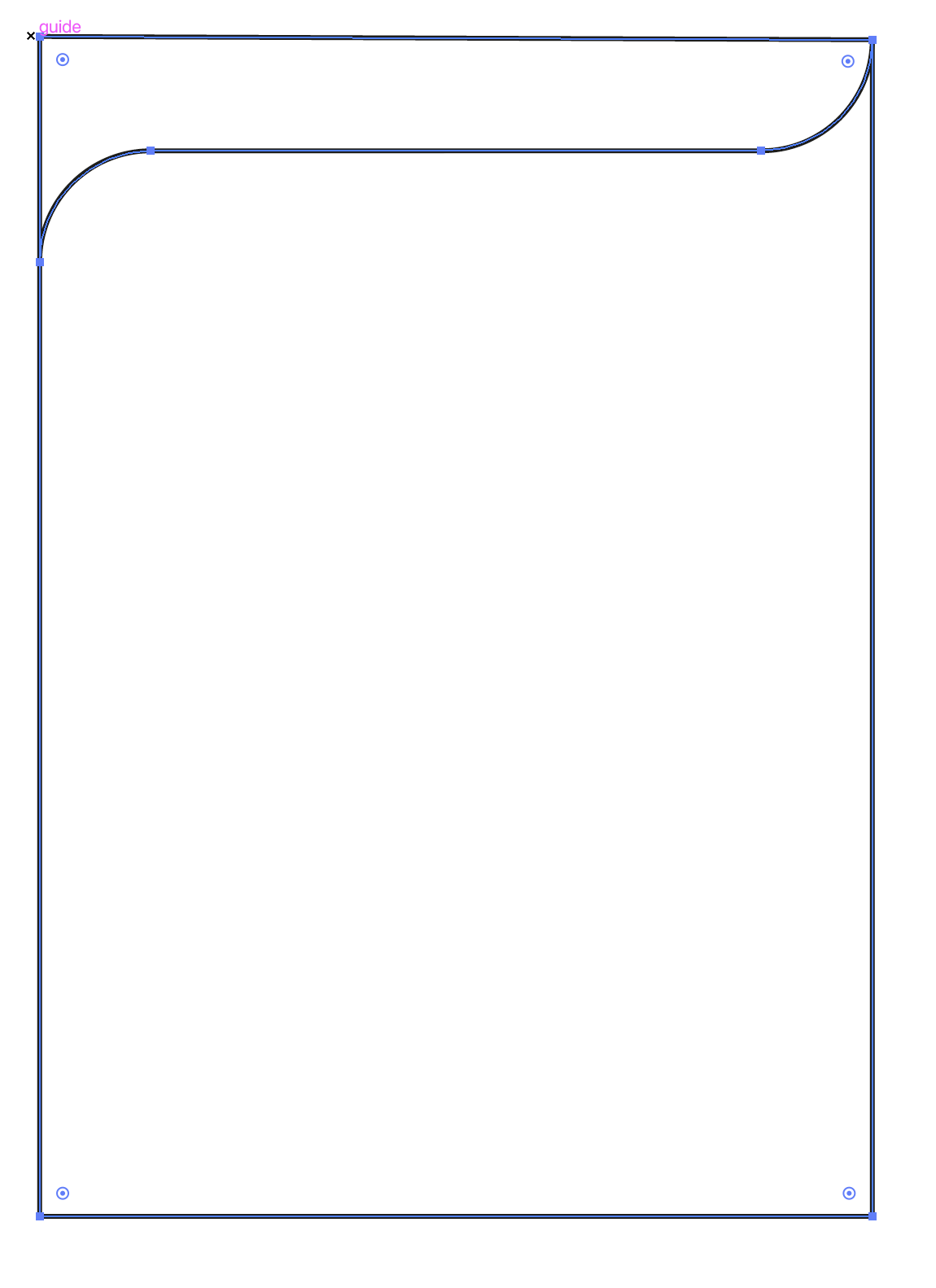
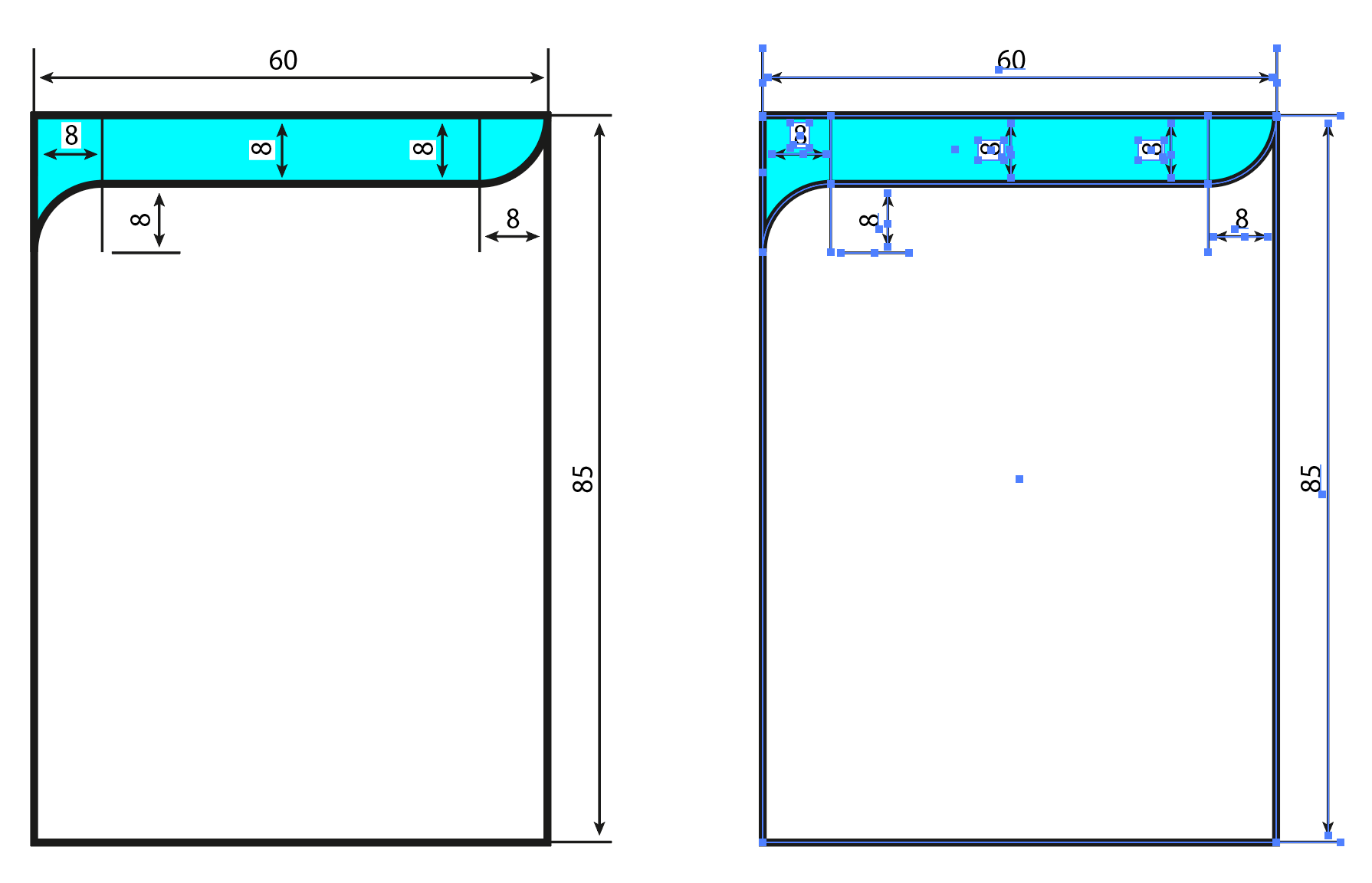
Out of curiosity, I rebuilt your graphic. It took about ten minutes. However, I’ve been using Illustrator since Version 1 in 1987, and my first job out of college was as a technical illustrator for a computer company.
It probably took me around 200 steps to do this, using four or five tools, palette settings, key shortcuts, learned muscle memory, and various combinations of obscure features. So the ten minutes that it took was really 40 years in the making.
It would take me at least an hour and a couple of thousand words to give you a step-by-step series of instructions. If you just need the technical illustration, I’d be happy to send it. If you want to learn Illustrator, get a book, watch tutorials, figure it out, and put in the practice time.
Yeah, 10 minutes max for someone who knows what they’re doing.
I actually started writing out step-by-step instructions, but they became so long-winded that I gave up.
And while we might say it’s only a 10-minute job, designers don’t charge by the minute. You’re paying for the years of experience that make it a 10-minute job in the first place.
If someone really wants it done, they have two options pay someone who knows how to do it, or invest the time in learning how to do it themselves.
Not being bad. But it is what it is.
I also looked at doing the step by step. LOL!
Usually I like the challenge, but this, yes, 10 minutes max to do, hours to type out.