Hi everyone,
When working on lettering, title typography, or line-art illustrations in Adobe Illustrator, the Paintbrush Tool (B) combined with Calligraphic Brushes is often the go-to choice for creating dynamic lines.
However, one major headache is control. If a stroke’s thickness, angle, or taper doesn’t turn out quite right, you usually have to hit Undo (Ctrl+Z / Cmd+Z) and redraw the entire stroke again.
The Current Limitation with Native Tools:
Width Tool (Shift+W): Amazing for basic paths, but it doesn’t allow you to adjust the specific angle or roundness parameters of Calligraphic Brushes on individual nodes.
Redrawing / Adjusting Profiles: Tweaking brush settings globally changes the whole stroke, making localized edits frustrating.
An Alternative Control-Ring Approach:
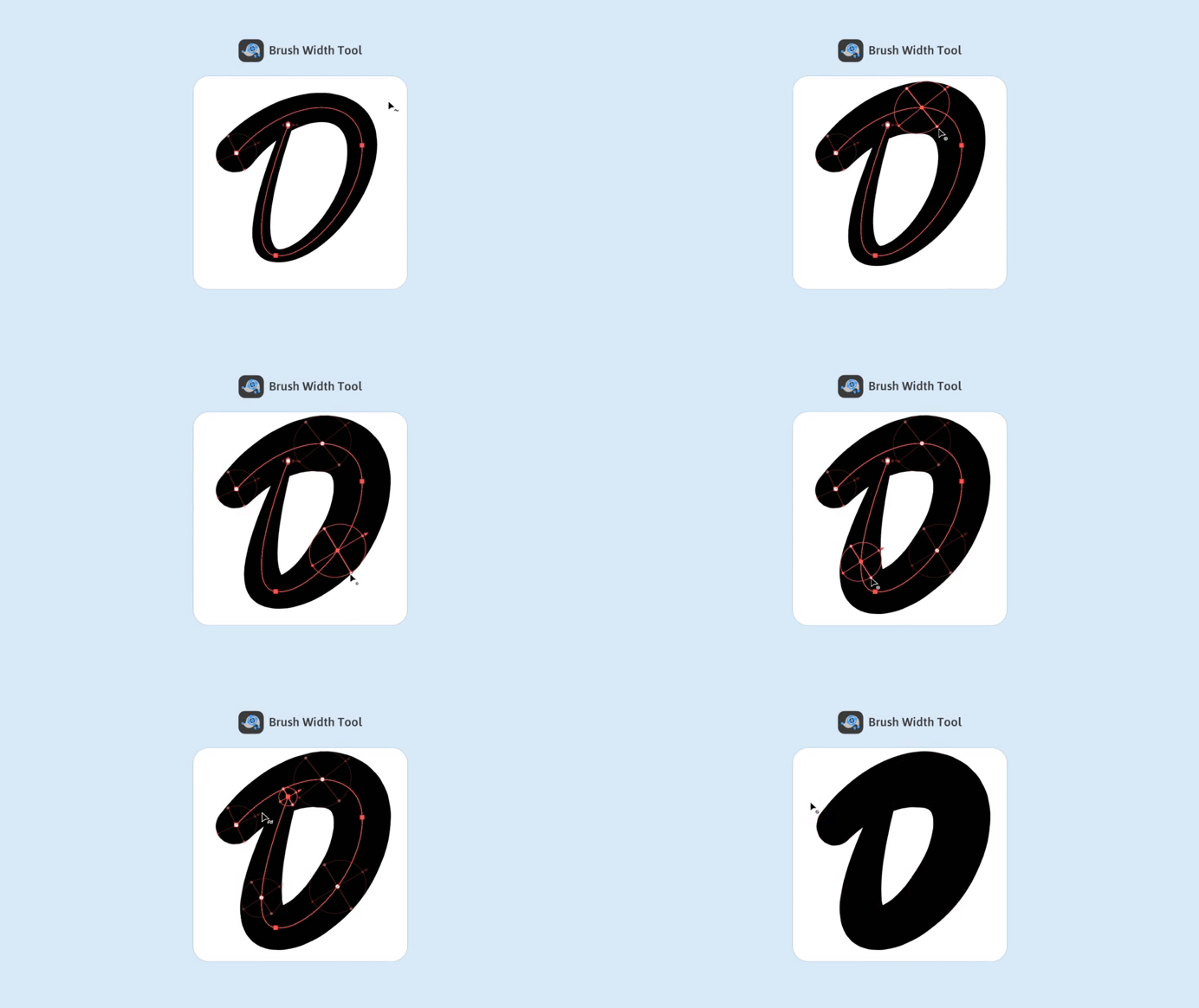
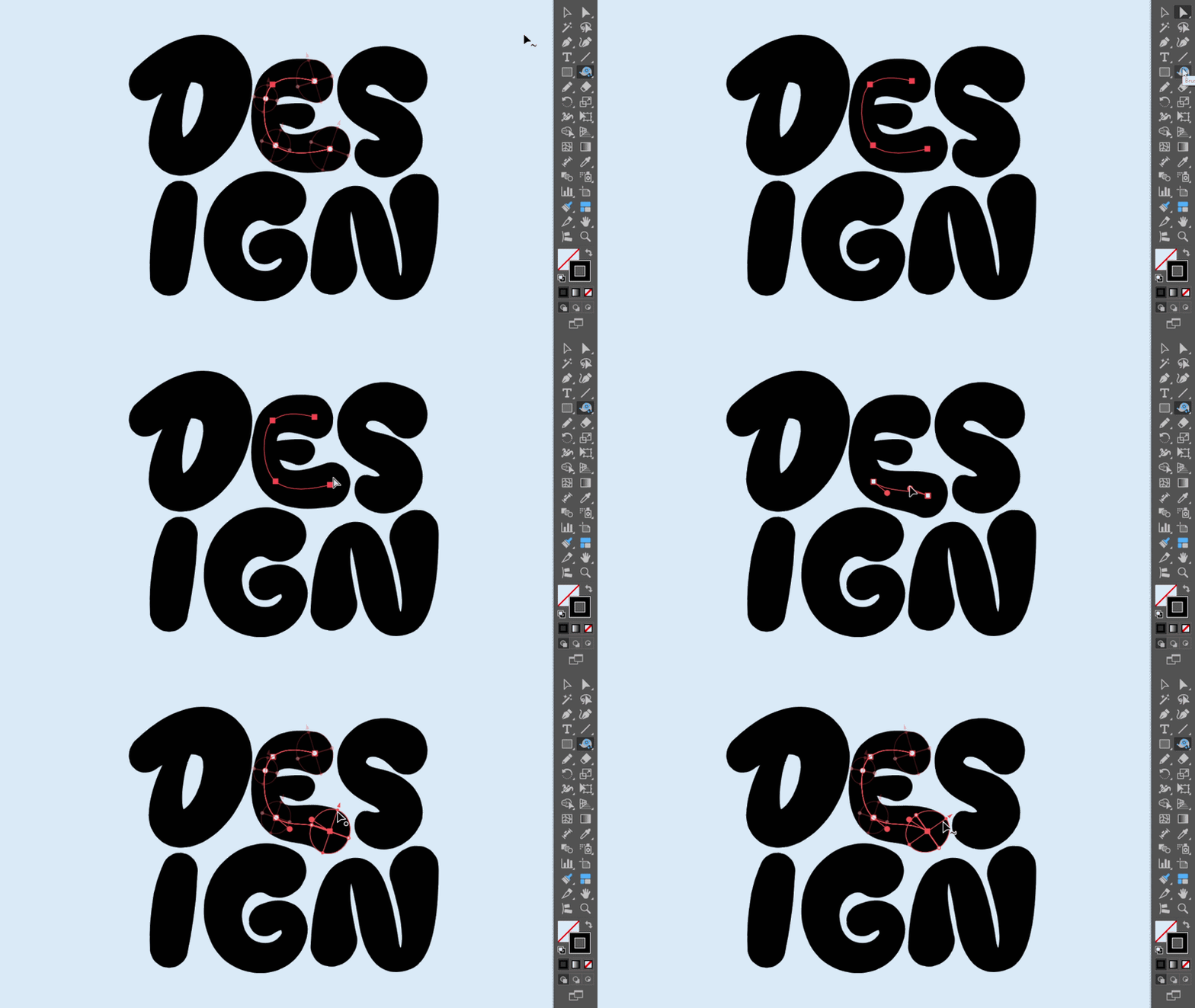
While building workflow solutions in IllustKit (Illustrator Plugin), I designed an editable Control Ring approach specifically for paths with Calligraphic Brushes applied.
It functions very similarly to Illustrator’s native Width Tool, but with expanded controls:
Flexible Control Rings: Place control points at any desired position along the path (supporting up to 101 control points per path, including endpoints) to tweak line width, calligraphic angle, and roundness.
No Need to Redraw: Tweak existing strokes smoothly after drawing, removing the constant Undo-and-redraw cycle.
Mouse-Friendly: Works exceptionally well even without a graphics tablet, allowing precise control over thick-to-thin calligraphy and line transitions using just a mouse.
I’ve found this approach super helpful for lettering design and precise vector line art.
How do you usually tweak calligraphic line weights in your vector workflow? Do you rely heavily on drawing tablets with pressure sensitivity, or do you have another method for post-editing calligraphic paths?
Would love to hear your thoughts!