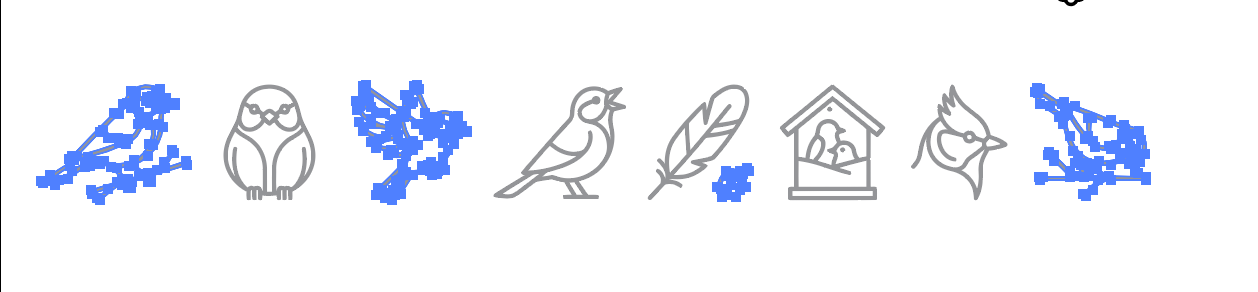
It’s been ages since I touched a vector art program but wouldn’t a simple “select the bit you want then copy and paste into a new document” work for this? Or do you want to keep the whole group intact and just edit bits of it?
Sorry if Illustrator doesn’t work that way, like I said… Been a while.
It’s possible that they’re part of a compound path. Try ‘Release Compound Path’ in the Object menu.
You could look in the Layers palette and expand the list until you see individual items. That often gives you a clue.
Failing that, use the white arrow to drag select the items you need and copy / paste to a new document, as Rodak said.
Alt way - double click into the image you want - it isolates it in the compound path, then you can select it and cut it - exit the isolation mode and paste it to the artboard.
That’s what I’ve been doing but it’s tedious. I’ve found the best way is to merge all of the icons because they’re very weirdly pieced together, and then simply ungroup. Bizarre on the artist’s part, but it makes me think it’s probably AI or something.
No worries. I have hundreds of these so I don’t want to have to open in a new doc for everyone one. I’m going to try to compound release suggestion from Studio Monkey. Otherwise, the workaround I described to Smurf2 seems to be the fastest solution.
Okay, that “works” except the images are clustered in multiple compound groups…WTH. Sigh. I’ll just undo all of them.