As @Just-B says, if it needs to be clean, it really has to be recreated.
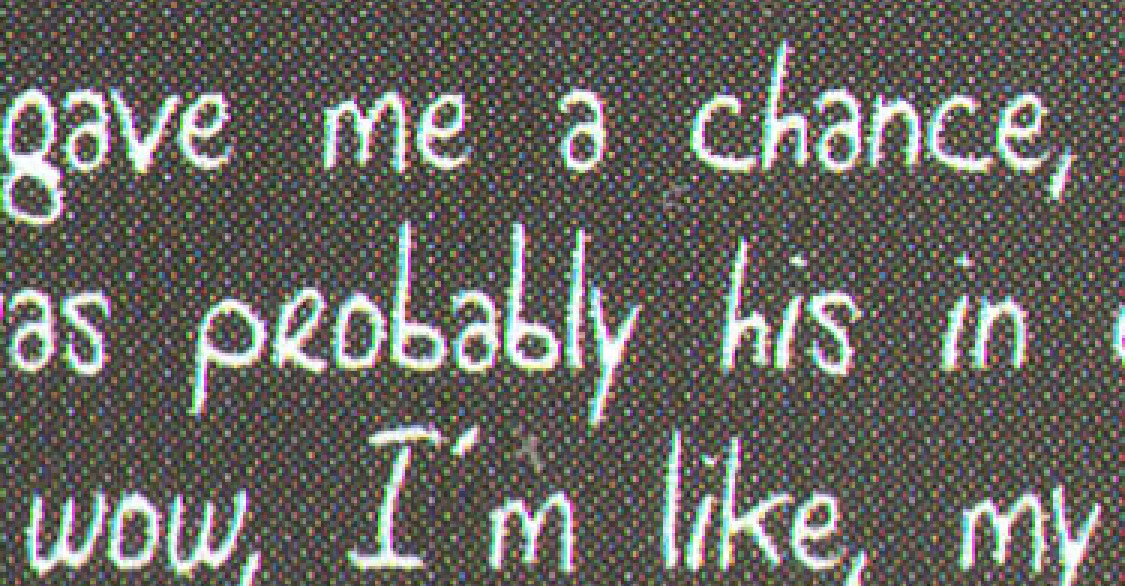
The problem is that once the original artwork has been printed and then scanned, it is no longer clean type on a flat colour. It is now a raster image made up of pixels. The background will contain paper texture, scanner noise, print/halftone dots, compression artefacts, and small colour variations. The edges of the letters will also have mixed pixels from anti-aliasing and from the print/scan process.
So when you use Select > Color Range, Photoshop is not selecting “the background” as an object. It is only selecting a range of similar colour values. On a poor scan, those values are noisy and inconsistent, which is why you get speckling rather than a smooth solid fill.
If this has to go back to print, the best source scan would need to be as high-resolution as practically possible, preferably at true optical resolution. For text or line-art reproduction, I would normally be thinking in the region of 1200 ppi at final size, or even 2400 ppi for very fine detail. That is very different from a normal 300 ppi photo scan, because type and line art need much sharper edge information.
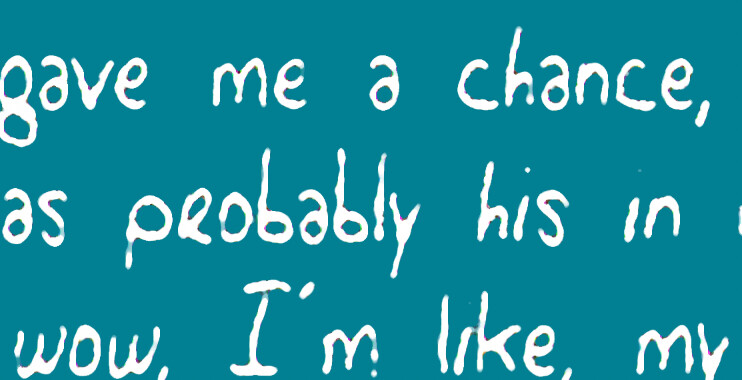
Even then, a better scan only gives you better pixels. It does not turn the scan back into live type or vector artwork. You can sometimes improve it by making a high-contrast mask with Levels/Curves or Threshold, then placing a new solid colour background underneath, but the result will still depend on the quality of the scan and the condition of the original print.
In the past I had to scan an entire book page by page and make minor edits by overlaying replacement text in Photoshop to cover words or short paragraphs. For that particular job it was cheaper than typesetting the whole book from scratch, but it was still a workaround rather than a proper rebuild.
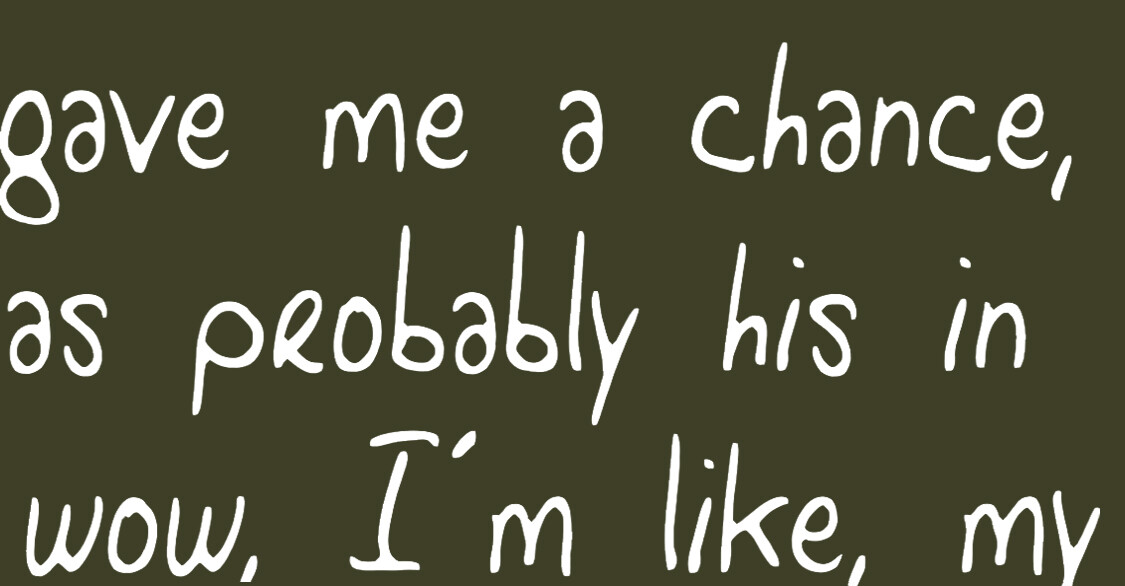
If you can retype it, that will almost always give the better result: new solid background, new live text, and no scan noise.