Hi everyone! Question for you:
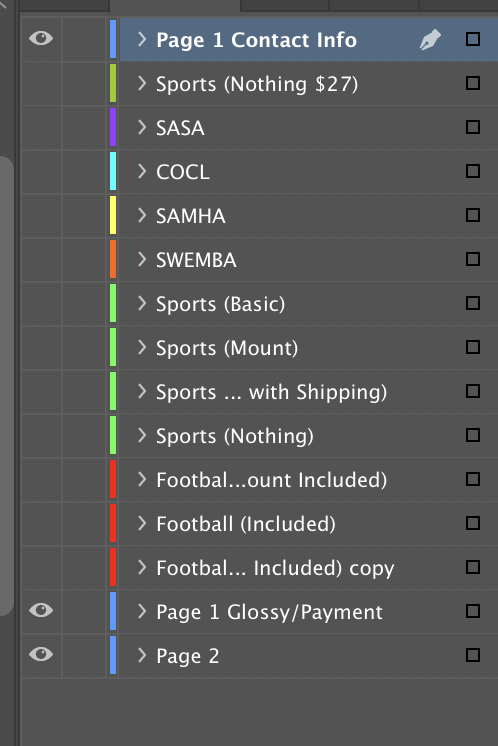
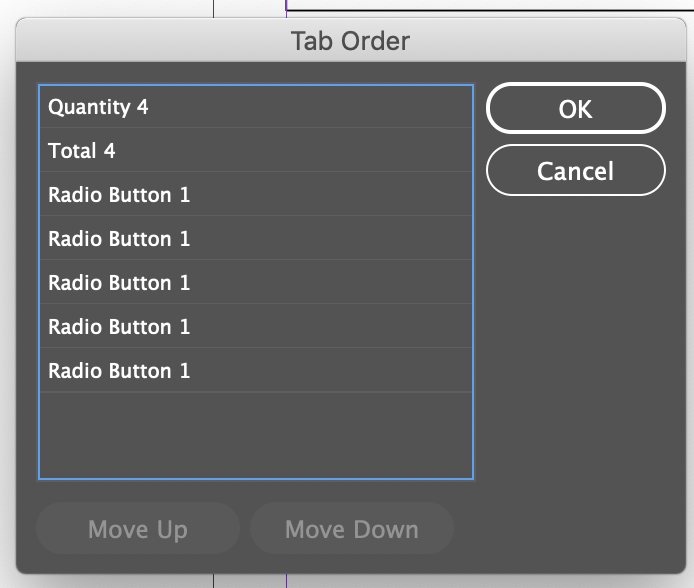
I am building a form in InDesign with multiple layers, it also happens to be an interactive form. The layers are not allowing me to “set tab order”, so when I export, everything is out of order to tab through.
When I go to “Set Tab Order” only one layer of the interactive form appears, and always the same one, regardless of what is hidden or visible, or selected.
Any thoughts?