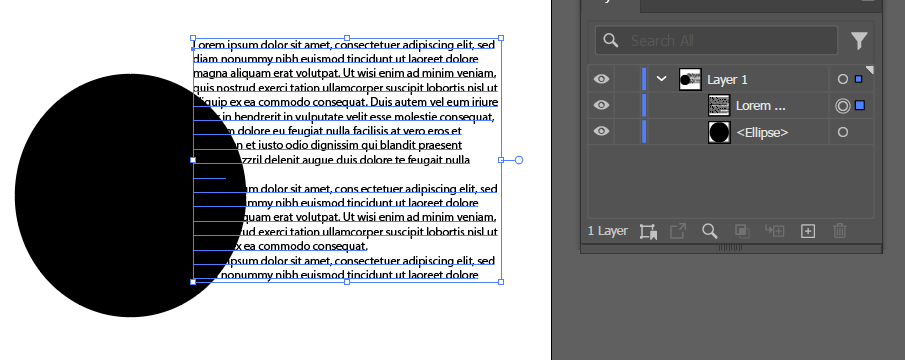
Object > Text Wrap > Make on the circle, but the text block is unaffected?
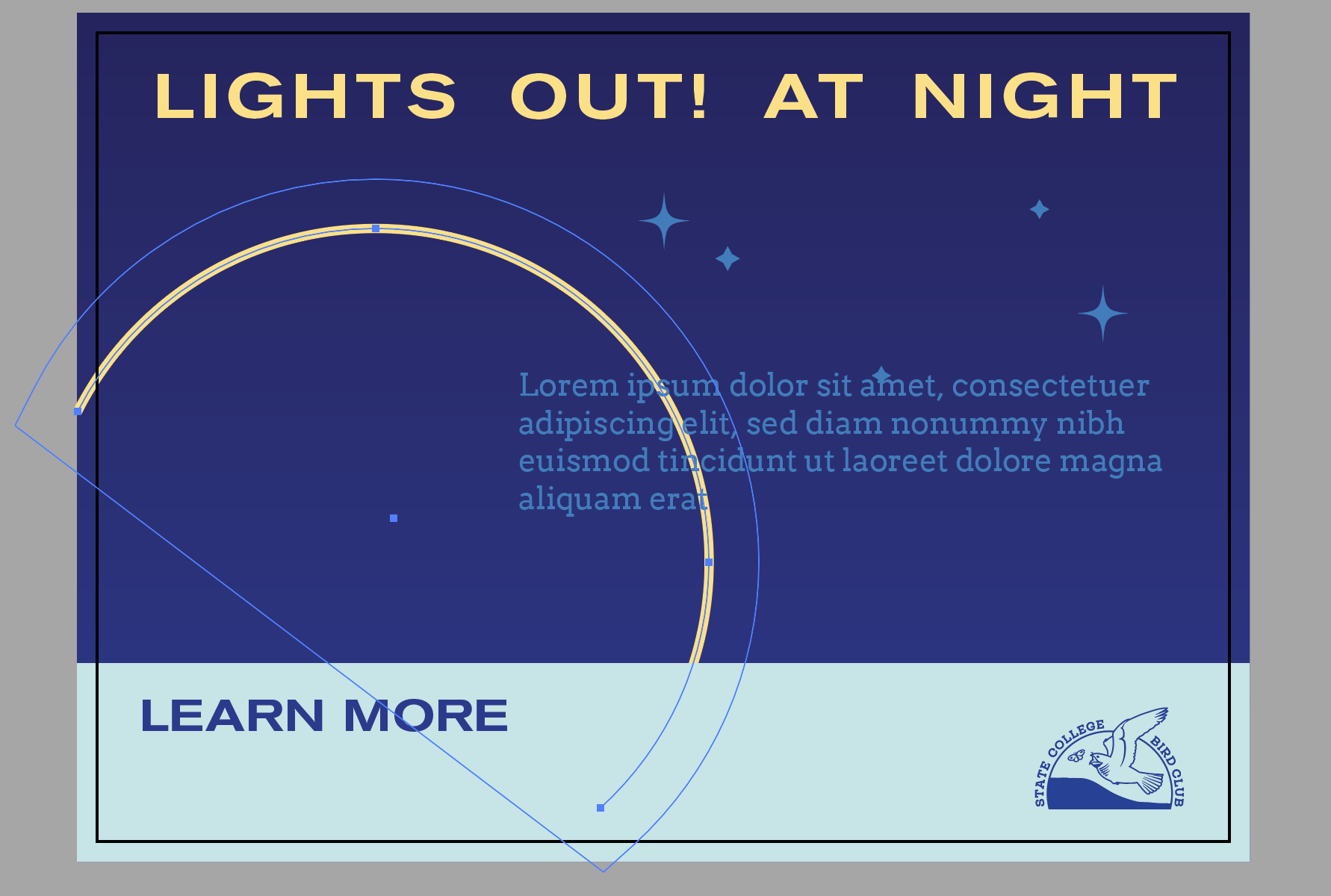
Indesign? Illustrator?
Looks like it’s below the text. There’s a setting in indesign preferences for how text wrap behaves below an object.
Also indesign text frames can ignore text wrap. Select the text frame and go to text frame options and check the setting.
AI is Adobe Illustrator, which is super confusing given that Adobe Illustrator (AI) uses Artificial Intelligence (AI) now. I actually wonder if Adobe will change the name. Anyway, I was doing it in Illustrator but realized I may as well just build in the InDesign and import the vector objects.
Yeh i know what ai is
I know, I was just being felicitous. 
On my laptop now, phone is awful for replying on. I didn’t even mean to send the last message so short, I had a longer reply but the phone was acting up and I just hit send. My wife was returning to the car with shopping so I jumped out to help her with some bags 
It wouldn’t be the first time somoene said AI and meant Adobe InDesign. Even though the icon is ID.
And AI being artifical inteligence, artifical insemeination, Adobe Illustrator, I see no need for Adobe to change. But they might, who knows.
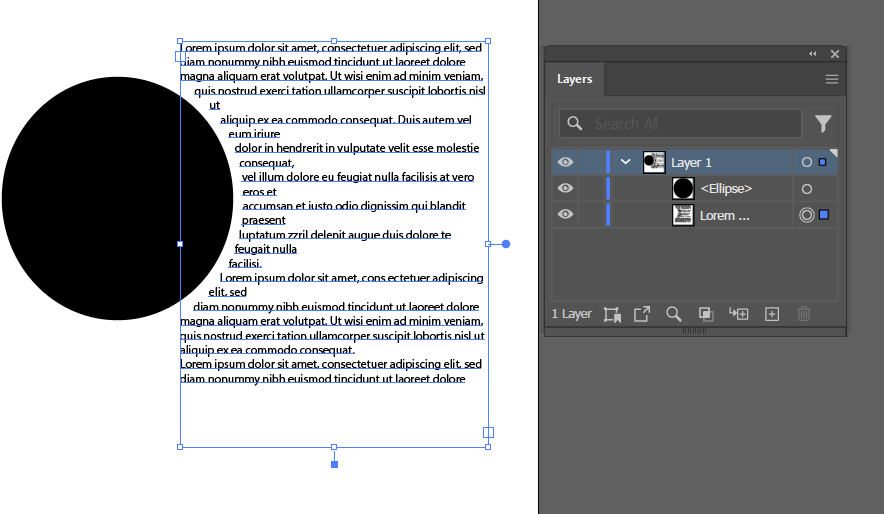
The object has to be above in the layer stack
And also text wrap does not work on single-click Point Type. Select your text, go to Type > Convert to Area Type
And the last thing I can think of
Object > Text Wrap > Text Wrap Options and make sure Invert Wrap is unchecked.
1 Like
Here is an example: https://www.youtube.com/watch?v=EImFDYc-LU4