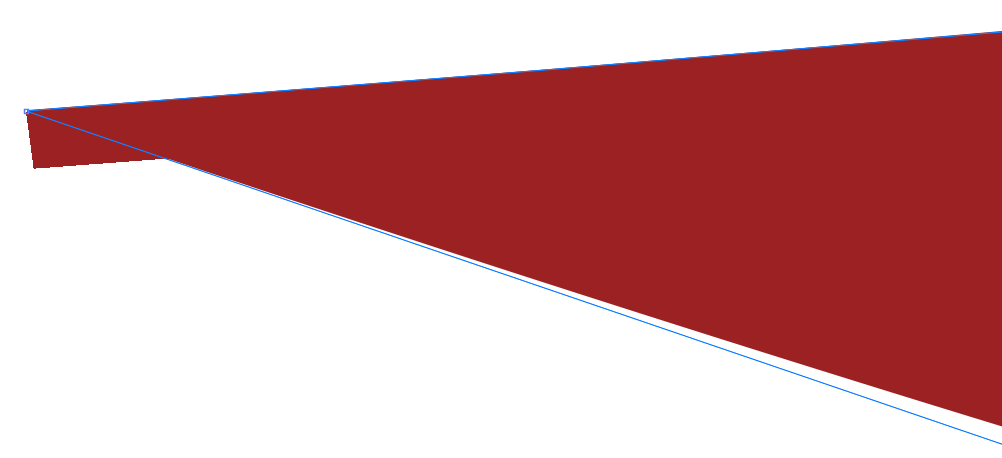
That’s peculiar. I suspect it’s a rendering glitch in Illustrator.
I duplicated the steps you described and got precisely the same thing. It’s very tiny, though, and only becomes apparent at the highest magnification levels.
I think it’s a glitch in Illustrator because when I copy and paste the object into Affinity Designer, the oddity isn’t there. Nor is it there when I save it to a PDF and blow it way up. I suspect it will disappear when printed too.