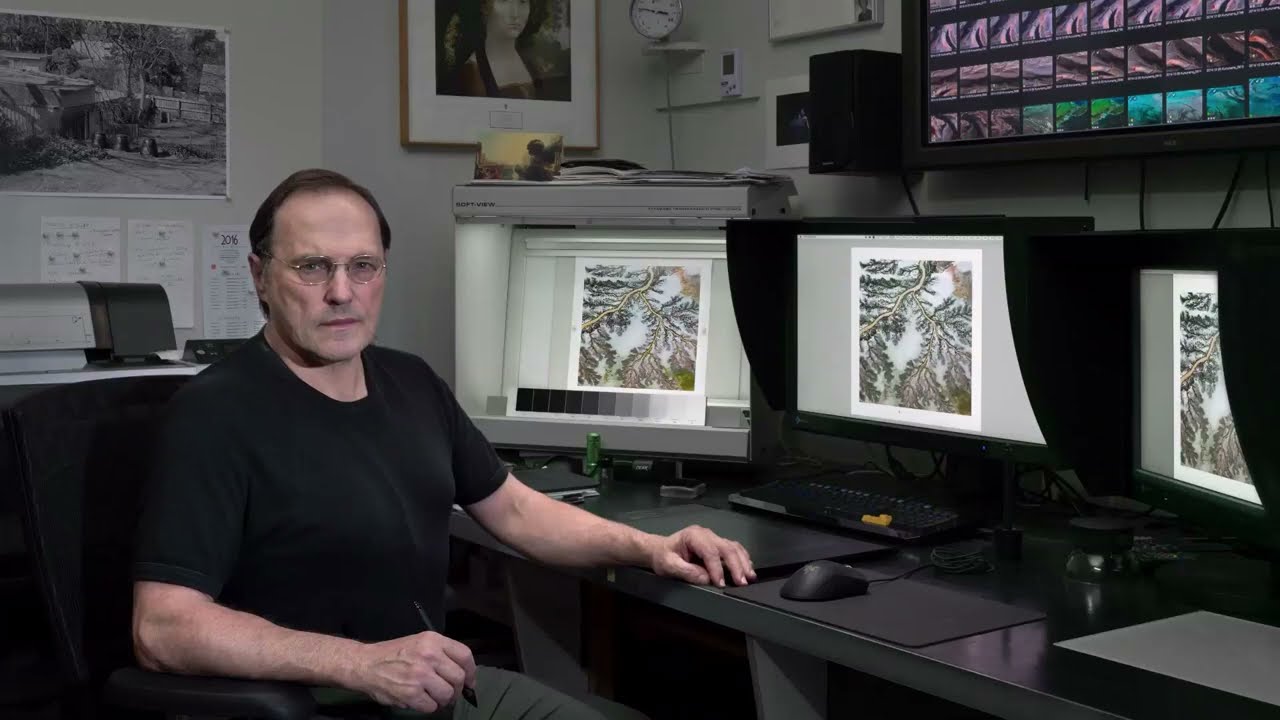
You can have something that looks perfectly balanced on screen, scaled correctly for distance, and still have it fall apart due to things like ink behaviour, paper choice, and finishing.
Here’s a few examples:
Rich black vs black:
Can dramatically change contrast - especially when black background meets black background from different sources, like a photograph black background on a black solid. Can look fine on screen but unless your blacks are the same rich black in the background and the photograph you’re going to get a mismatch even though it looks fine on screen.
Substrates:
Uncoated stock will soften detail and reduce punch compared to coated stocks, you might have a great design that looked amazing once upon a time, and switching to a cheaper stock can alter the colour and contrast significantly.
Type:
Small reversed-out type can fill in on press even if it looked crisp digitally. None of that is obvious in a screen-based workflow. People can underestimate the tolerances, and use a light font in white on a dark background will fill in, especially if using Serifs and really thin San Sans Serif, the serifs on letters can fill in, and the the thin strokes on Sans Serifs could disappear entirely.
Colour:
Another gap is colour expectation vs reality. Designers often work in RGB without fully accounting for CMYK conversion, total ink limits, or the specific print profile being used. Colours that feel vibrant on screen can shift, dull, or clip in print. Without proofing (hard or at least accurate soft proofing), that mismatch can make a “good” design feel flat or off-brand once printed.
Tolerances:
Print is a mechanical process, so things like trim shift, registration variance, and folding can all introduce small misalignments. If a design relies on perfect symmetry, tight borders, or exact alignment across panels, it can look “wrong” even when printed correctly within tolerance. Designing with a bit of forgiveness built in is often the difference. For example, one thing that people try and do is put a thin border around a business card or something, like 2mm from the edge, it looks great in design, but often a slight shift of even .5mm makes it look off center when trimmed.
Resolution and asset quality still trip people up:
Images that are technically “300dpi” but upscaled, over-compressed, or poorly sharpened won’t hold up. Likewise, thin strokes, hairlines, or overly subtle gradients can break down depending on the output method.
So alongside the viewing-distance point already raised, it’s worth stressing that print isn’t just a different scale, it’s a different medium with physical constraints. Designs fail when those constraints aren’t designed for.
 )
)