Hans said there were some issues with the database migration. The posts made during that time didn’t make it across — perhaps a day’s worth of them.
The extra leading between paragraphs seems to be the default. I sort of like it that way, but it threw me off a little at first. If this is bothersome, we can probably make some changes to the CSS.
The forum software was several generations behind. Now everything is up to date. Seeing all the changes at once, rather than incrementally over time, means there are a few things to get used to. There are even larger differences in the moderation and admin interface.
We’ve noticed that a single Enter now creates a double-space gap due to the recent system update. This is a built-in feature of the new Discourse engine to improve readability across mobile and desktop.
If you want to keep your lines tight (single space), please follow this method:
Single Enter: Creates a double-space gap (New paragraph).
Two Spaces + Enter: Creates a single-space line break.
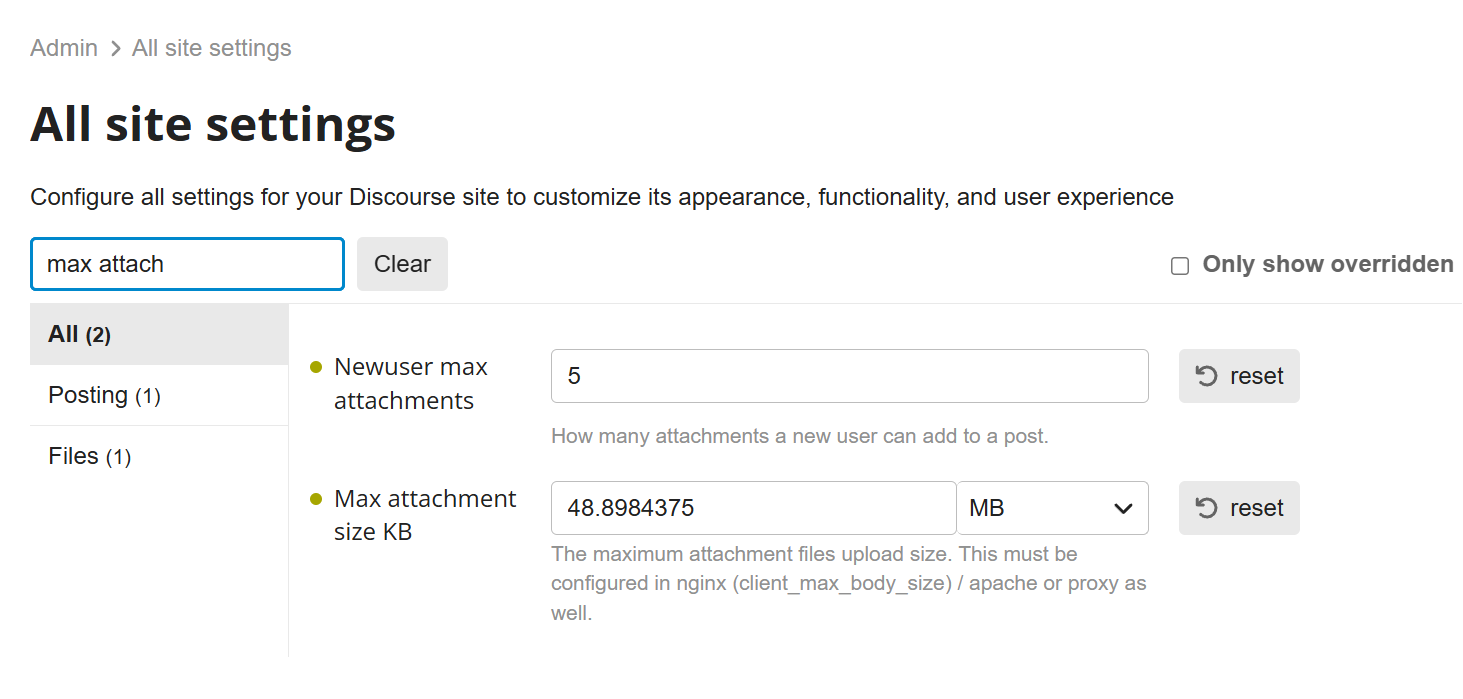
“Joe, I’ve checked our server settings, and the upload limit is set very high (about 48MB), so it’s not a capacity issue. This is likely a ‘Cookie Mismatch’ between our old and new server.”
Please try this - it usually fixes iPad issues:
Completely Log Out from the forum.
Open iPad Settings > Safari.
Tap ‘Clear History and Website Data’.
Restart Safari and log back in.
“This will clear the old server data from your iPad and let you use the upload button again!”
Thank you @hans Here is the upload situation. Seems to be more of a CSS-Safari clash. I followed your recommendations anyway. I hope the video will show instead of the place holder when I press reply.
I want to be completely transparent with you about what’s happening.
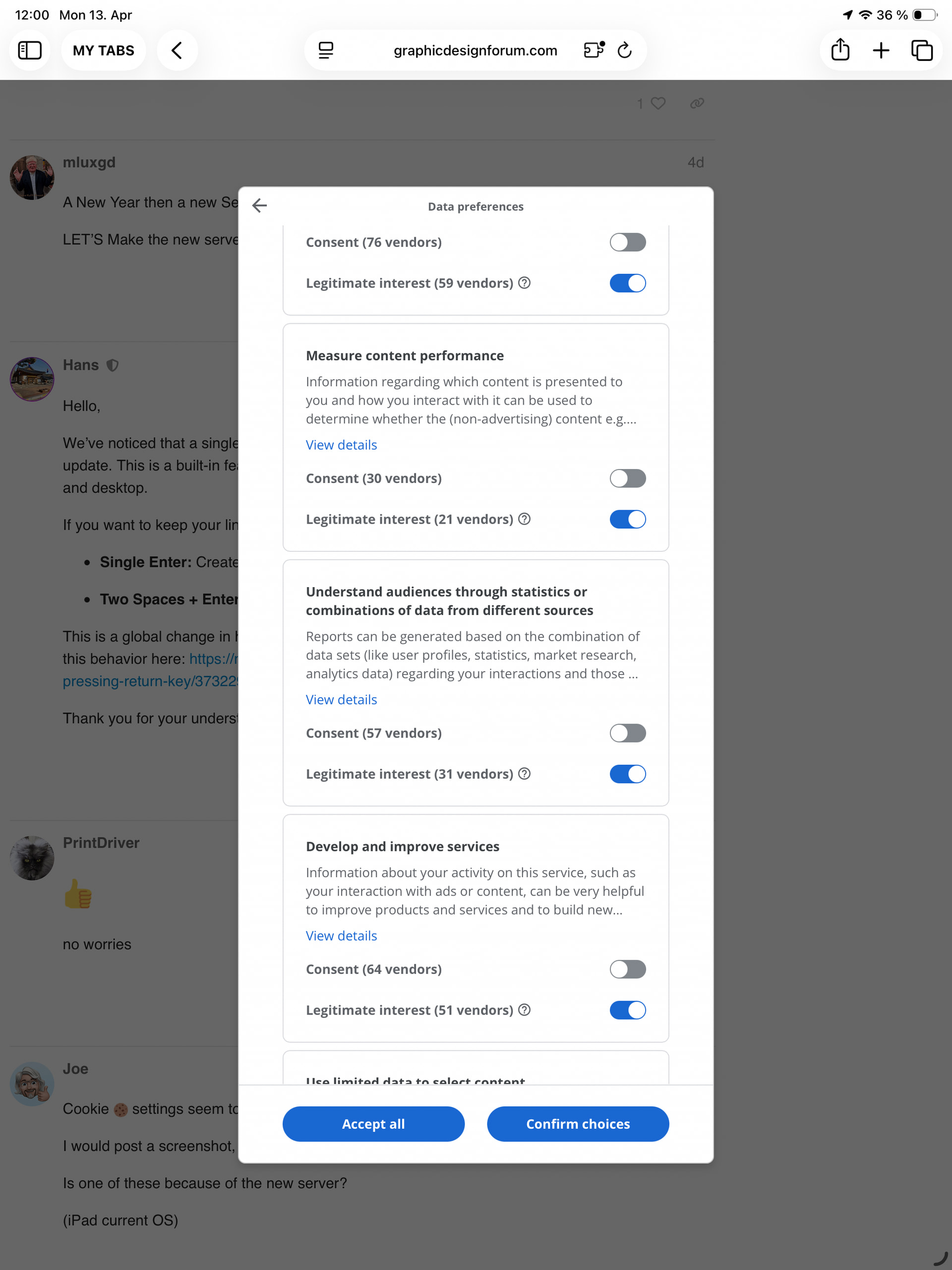
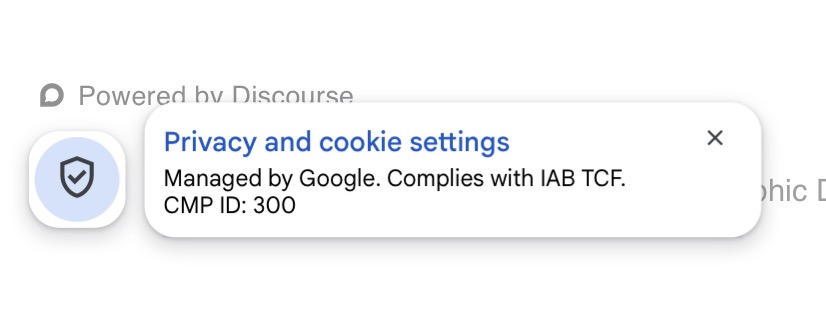
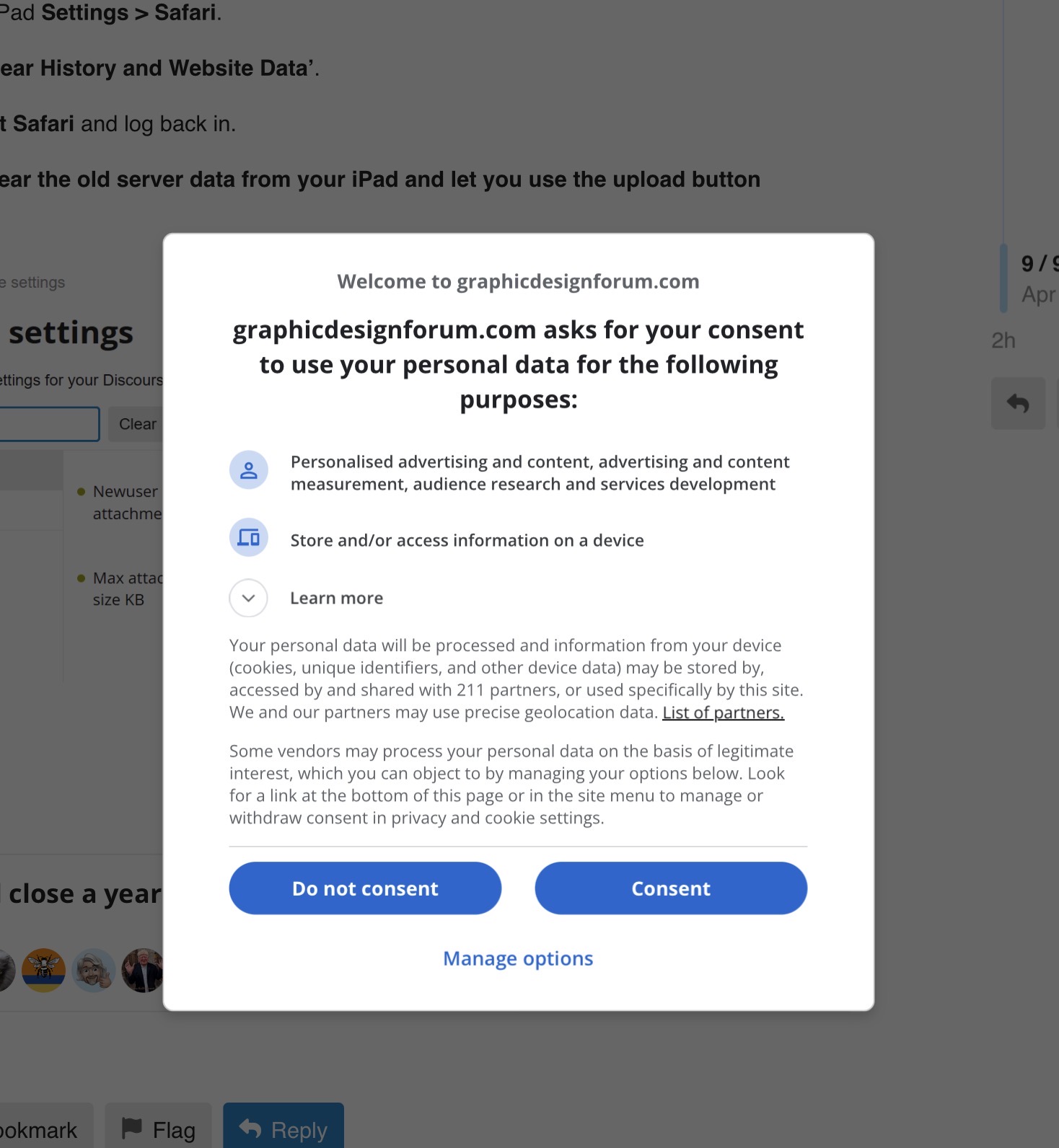
The Background: After migrating to the new server, I added my Google AdSense ID to prepare for ads, which will help cover the increased server maintenance costs. However, due to recent legal changes in certain regions (like yours), Google now requires explicit consent for cookies, which triggered that confusing pop-up.
What I’ve Done: Since this was causing technical issues and blocking your experience, I have temporarily removed the AdSense ID from the server. The ‘wall’ should be gone now, and the site should be back to its original state.
Action Required:
Please clear your browser cache one more time to remove any traces of the old settings.
Refresh the page and try uploading again.
I’ll look for a better way to implement this later so it doesn’t interfere with your usage. Thank you for your patience and for helping me stabilize the new server!"

 settings seem to go crazy.